Blog / Affiliate marketing
What Is a Content Locker and How Do You Earn With It on MyLead?
This article is updated regularly
Last update:
27 August 2025
A Content Locker is a monetization tool that blocks access to selected content — a file, article, or premium section — until the visitor completes one offer from a displayed list. On MyLead, Content Lockers run on any website or mobile app, support incentivized traffic, and pay a commission for every completed action in 2026.
This guide explains how Content Lockers work, the four types available in MyLead, and why they outperform standard WordPress plugins for monetizing your traffic.
What you'll learn from this article:
what a Content Locker is and how it monetizes your traffic,
the four locker types — CPA Locker, File Locker, Captcha Locker, and Mobile Reward,
why Content Lockers fully support incentivized traffic,
how MyLead's tool beats standard WordPress Content Locker plugins,
who can use Content Lockers and how earnings are settled.
What is a Content Locker in affiliate marketing?
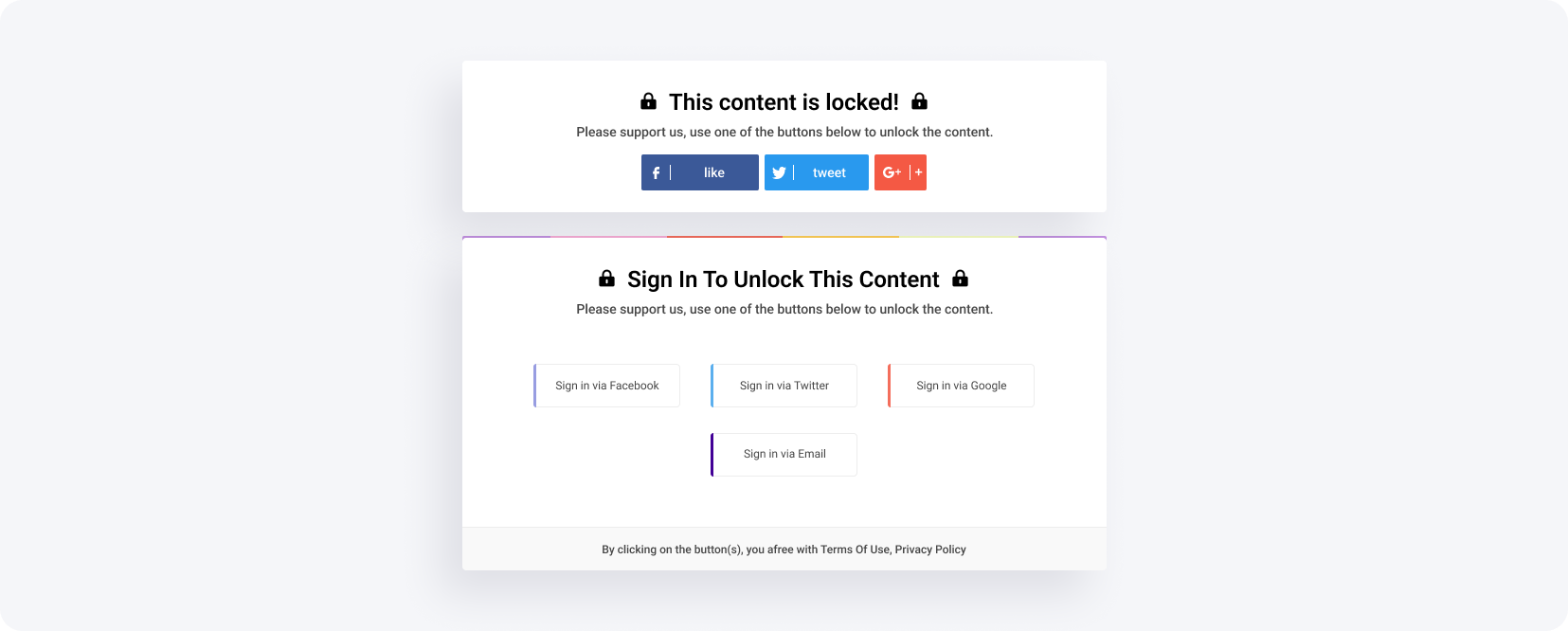
A Content Locker is a CPA-based widget that gates part of a website until the user completes an offer — a survey, app install, or sign-up. Once the action is done, the content unlocks and the publisher earns a commission. Content Lockers always allow incentivized traffic, so every user interaction is monetized rather than wasted.
You can lock premium content, a subpage, or the rest of an article — when the visitor tries to open it, a list of offers appears, and completing one removes the lock. Get the full setup in the Content Lockers chapter of the MyLead guide, and combine it with a lead magnet to grow your list while you earn.
What types of Content Lockers does MyLead offer?
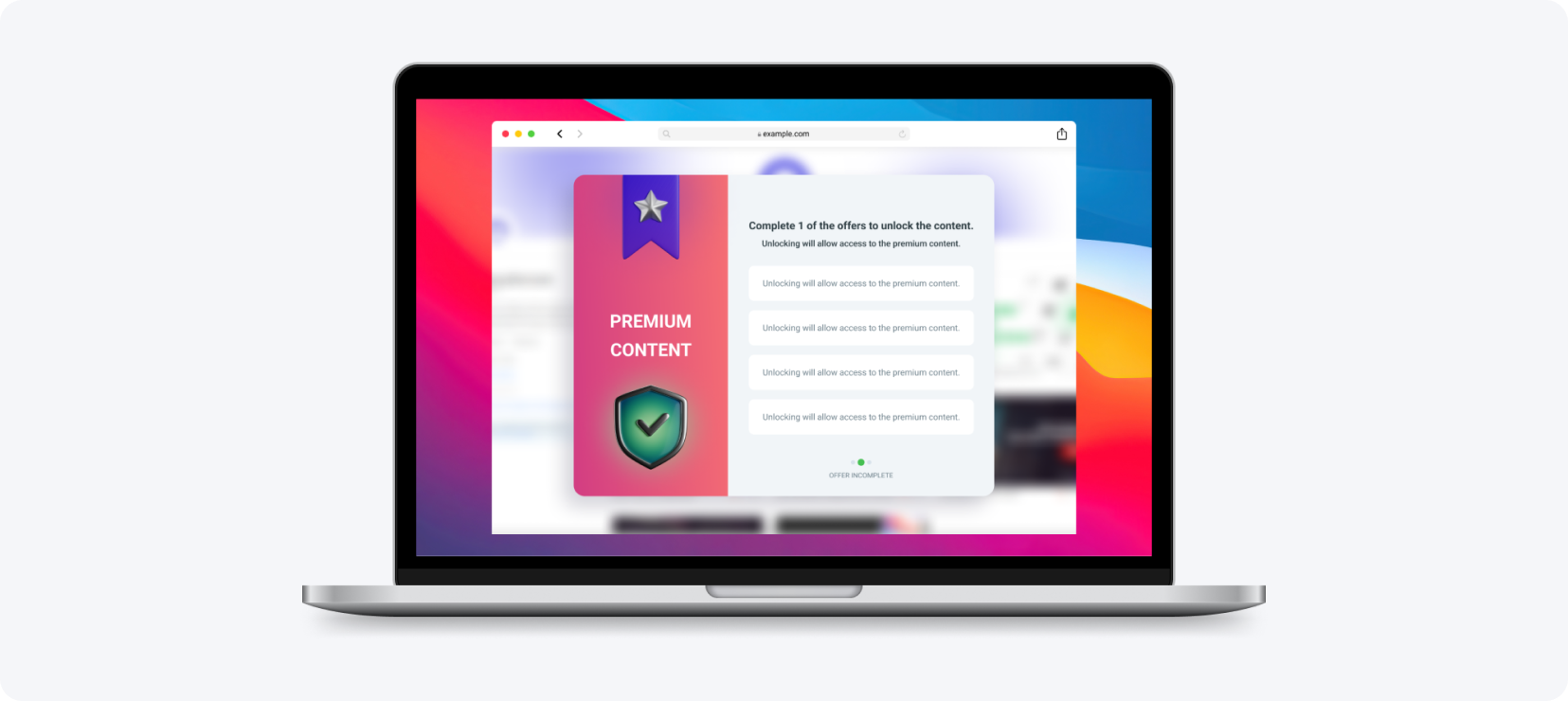
MyLead offers four Content Locker types, each built for a different platform and audience: CPA Locker, Captcha Locker, File Locker, and Mobile Reward. Every locker is fully adjustable — colors, texts, and graphics — and works across websites and mobile apps, matching the tool to the publisher's traffic source.
CPA Locker
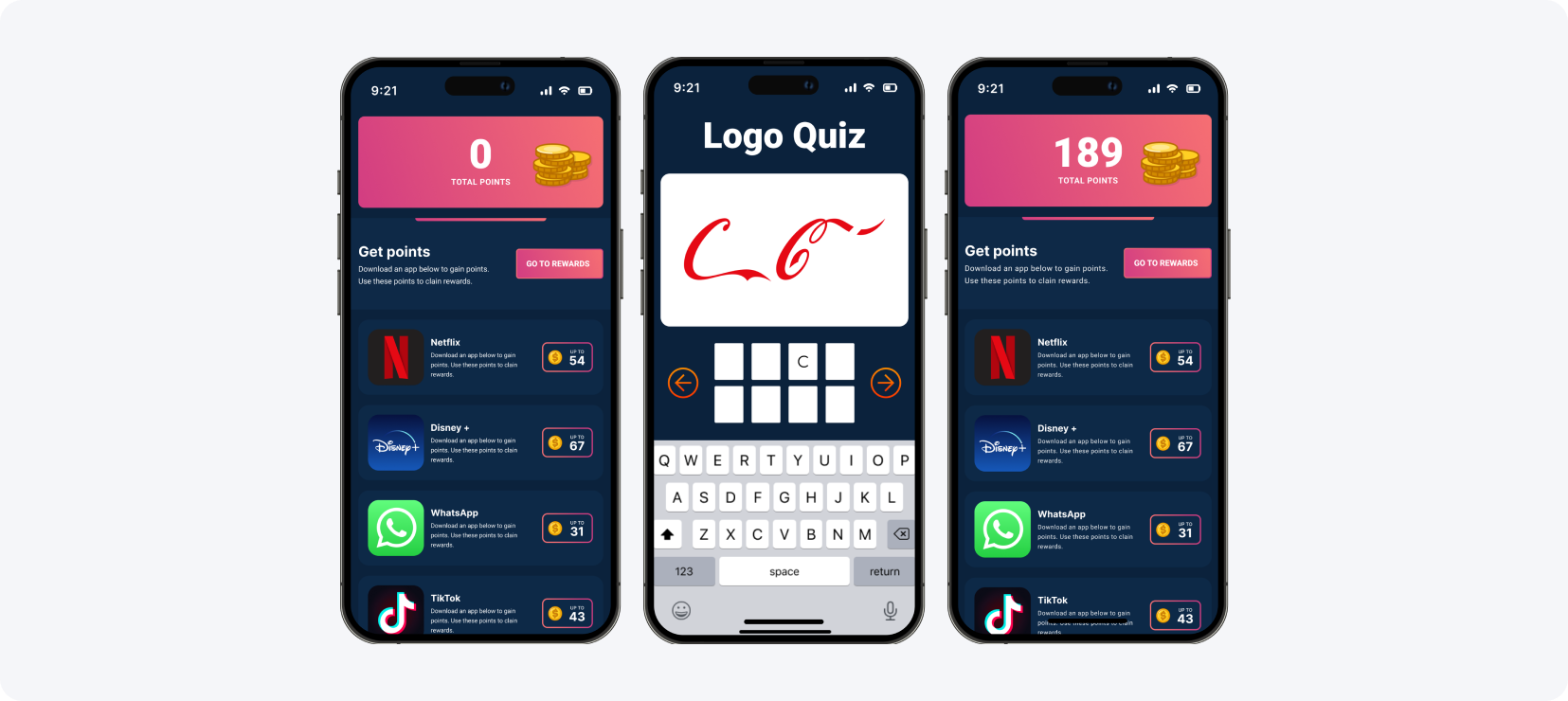
The CPA Locker is the most popular content-locking format. The visitor completes one cost-per-action offer — a survey, registration, or download — to unlock the content, and the publisher receives a commission for that action. On MyLead every element is adjustable, so the locker matches the page design and the chosen affiliate programs for Content Lockers.
Captcha Locker
The Captcha Locker works almost identically to the CPA Locker, but appears as a verification system that checks the visitor is not a bot. Because internet users encounter CAPTCHA prompts everywhere, this format feels familiar and converts well. It runs on desktop and mobile, and the visitor completes one offer to pass the check.
File Locker
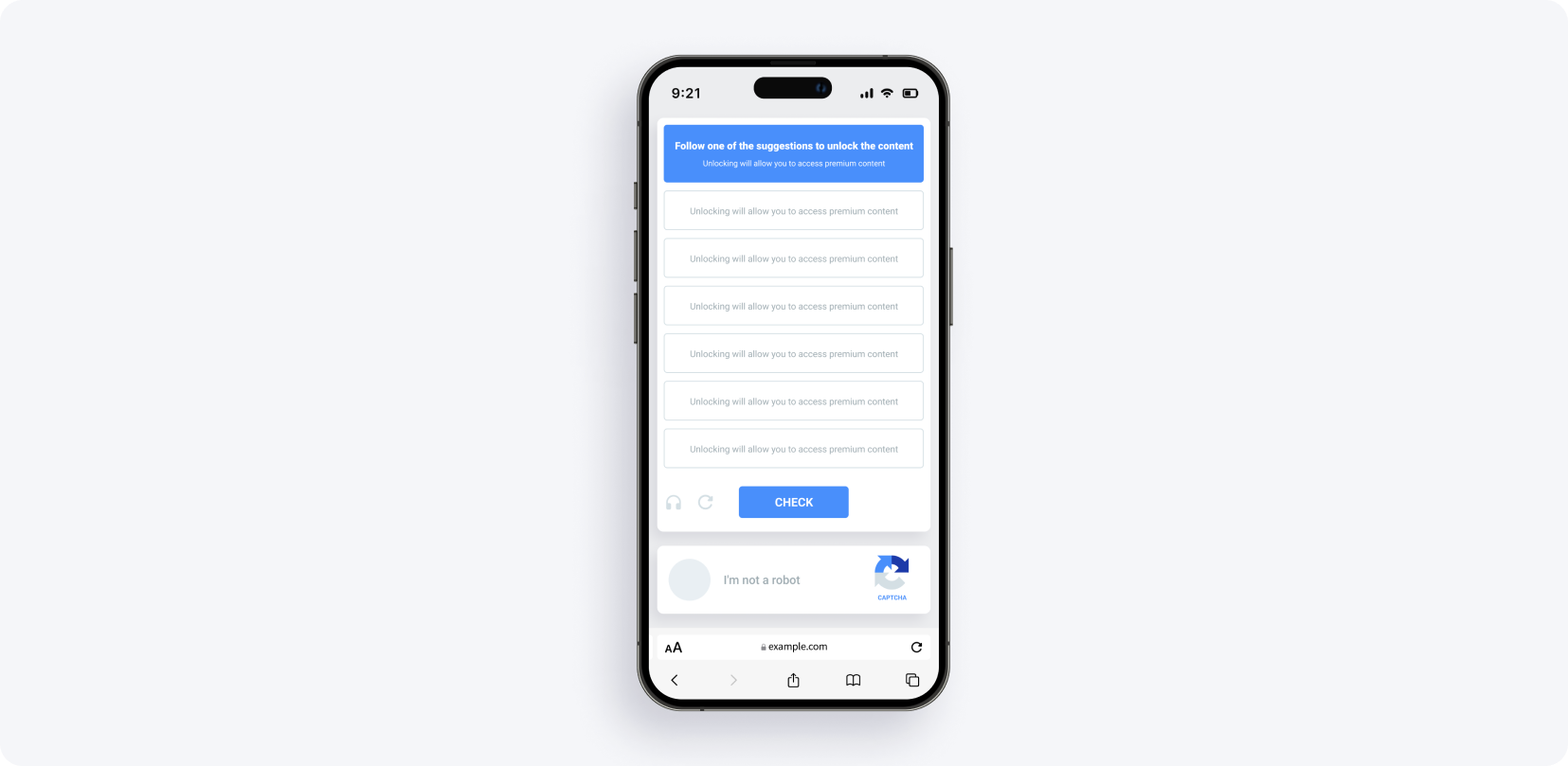
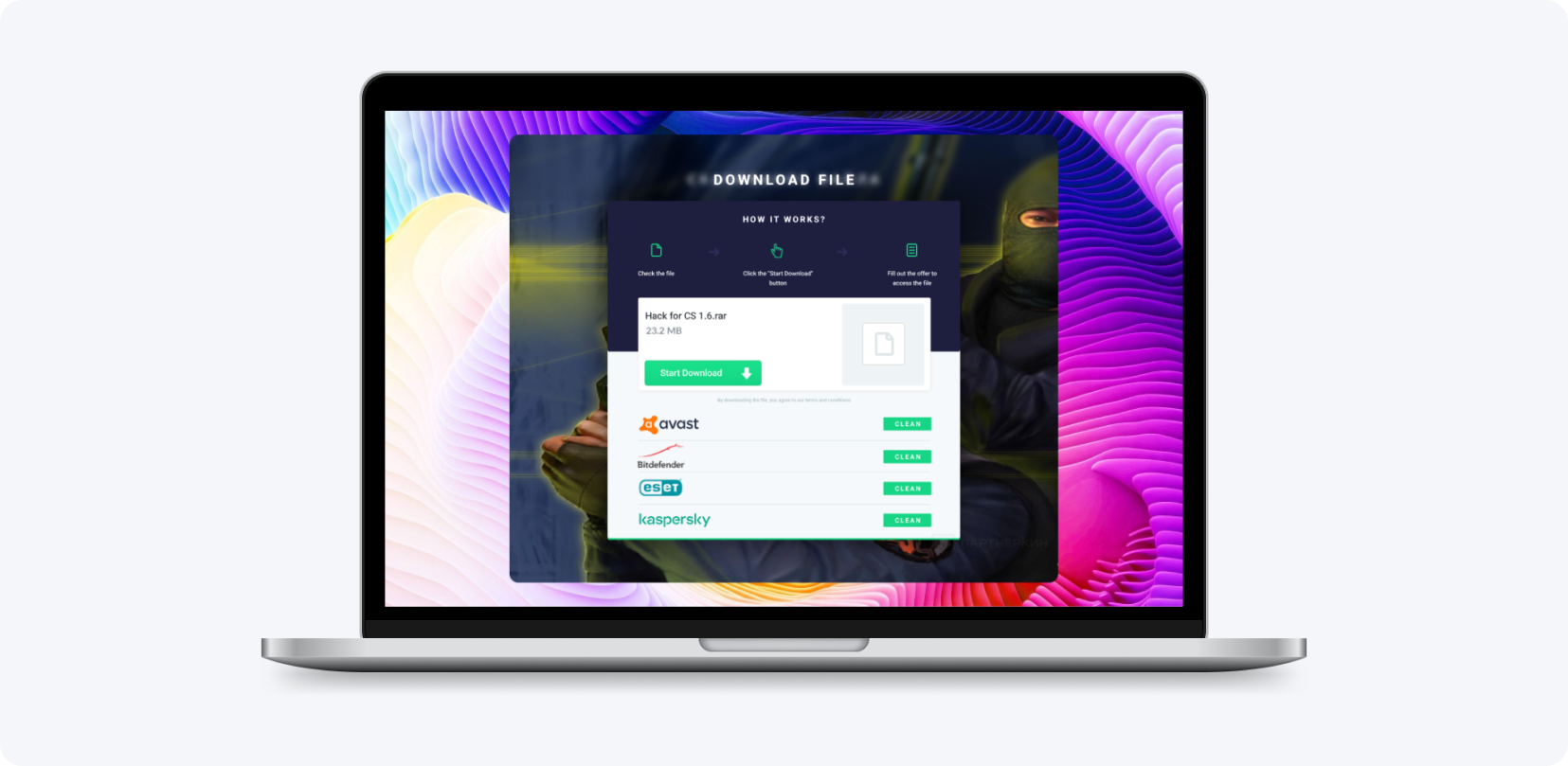
The File Locker is a widget placed on a site to gate a downloadable file. Before the download starts, the visitor completes one offer from the list and then receives the file. It suits download portals, software, and digital resources — the visitor gets the file, and the publisher earns a commission for each completed action.
Mobile Reward
Mobile Reward is built for mobile-app owners. App users complete offers to collect points, which they exchange for prizes the owner defines — in-game bonuses, premium features, or virtual currency — while the owner receives remuneration for every action. It converts an app's free users into a steady revenue stream, detailed in the Mobile Rewards earning guide.
How is MyLead's Content Locker better than WordPress plugins?
WordPress Content Locker plugins, such as Social Content Locker, only gate parts of a WordPress site and reward the publisher with likes or shares — not money. MyLead's Content Lockers work on any system and inside mobile apps, and every locked action pays a real commission instead of just boosting social engagement.
With a WordPress plugin you are locked to one platform: if your site runs on another CMS or you own a mobile app, the plugin is useless. MyLead removes that limit — the same locker works on WordPress, custom sites, and apps. See it applied in this case study on monetizing blocked articles.
What makes MyLead's Content Locker the most advanced?
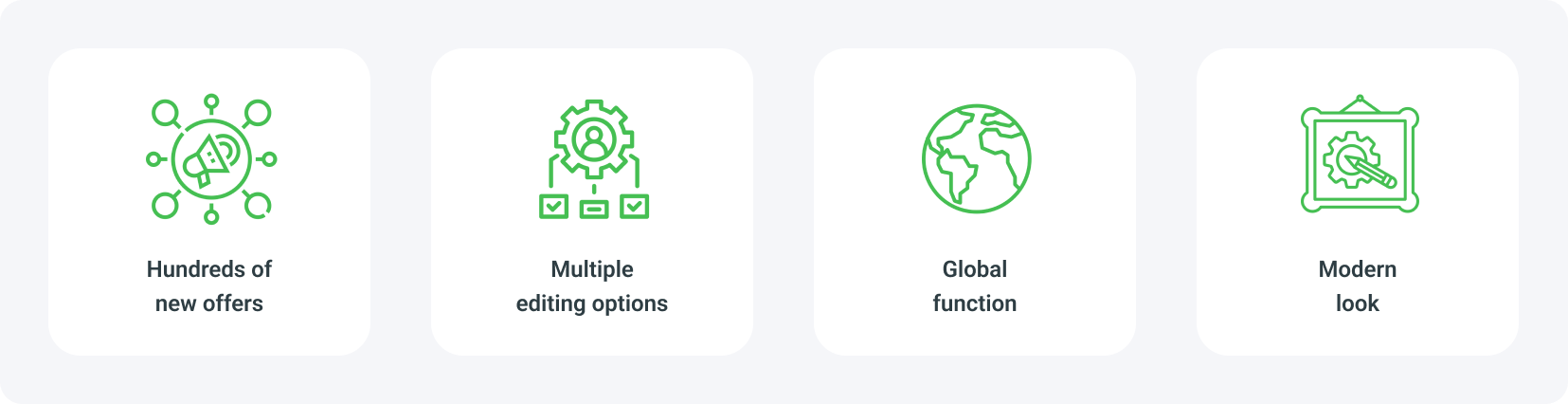
MyLead rebuilt its Content Locker from scratch with three advantages: full customization of colors and texts, global reach with hundreds of offers for users worldwide, and several modern graphic designs. The result is a unique locker no competitor uses, translatable into any language and ready for both mobile and desktop.
Every offer inside the lockers supports incentivized traffic, so each user action is monetized, and the designs are built with current technologies for high efficiency on any device. Set up your first Content Locker with the step-by-step installation guide and start earning from traffic you already have.
Who can use Content Lockers and how do you settle earnings?
Every MyLead publisher has access to Content Lockers — no separate application is required, so the tool is available immediately after registration. Earnings are settled the same way as other affiliate programs, as the rental of advertising space, through MyLead's standard withdrawal methods. Breaking the promotion rules blocks access to the tool.
Configuration is straightforward: pick a locker type, adjust its look, choose your offers, and embed it in your page or app — the full walkthrough is in the guide to configuring lockers on MyLead. Create a free MyLead publisher account to unlock every Content Locker type and start monetizing today.
Key takeaways
A Content Locker gates content until the visitor completes a CPA offer — every action earns you a commission.
MyLead offers four types: CPA Locker, Captcha Locker, File Locker, and Mobile Reward, covering both websites and mobile apps.
All lockers support incentivized traffic, so user actions are fully monetized instead of wasted.
Unlike WordPress plugins, MyLead's lockers run on any system and pay real commissions, not just social likes.
Full customization and global offers let you build a unique locker and translate it into any language.
Every MyLead publisher gets instant access with no application, and settles earnings through standard withdrawal methods.
FAQ
1. What is a Content Locker?
A Content Locker is a monetization tool that blocks access to selected content — files, articles, or premium sections — until the user completes an offer. Once the action is done, the content unlocks and you earn a commission.
2. What types of Content Lockers does MyLead offer?
MyLead offers four types: CPA Locker, File Locker, Captcha Locker, and Mobile Reward. Each is designed for a different monetization need and platform, from websites to mobile applications.
3. Can I use Content Lockers on any website?
Yes. Unlike WordPress-only plugins, MyLead's Content Lockers work on any system and even inside mobile apps, so your CMS or platform is never a limitation.
4. Do Content Lockers allow incentivized traffic?
Yes. Every offer inside the lockers is adapted to incentivized traffic, so all user actions can be fully monetized within the campaign rules.
5. How are earnings from Content Lockers settled?
You settle Content Locker earnings the same way as other MyLead affiliate programs — as the rental of advertising space — using the platform's standard withdrawal methods.
Summary
A Content Locker turns ordinary traffic into income by gating content behind CPA offers, and MyLead's version works on any website or mobile app with four adjustable locker types. Choose the format that fits your audience, keep incentivized traffic monetized, and earn a commission for every completed action.
Have any questions? Feel free to reach us through our channels.