Blog / Affiliate marketing
What Is a Lead Magnet and How Do Content Lockers Help You Earn?
This article is updated regularly
Last update:
03 June 2025
A lead magnet is a free resource — a checklist, ebook, template or quiz — that you give your audience in exchange for an action, usually sharing an email address. In affiliate marketing, you can pair a lead magnet with a Content Locker from MyLead, which unlocks the file only after the user completes a paid offer, so you earn a commission instantly.
This guide breaks down the three main types of lead magnets, what makes them convert, and how to monetize them with MyLead's Content Lockers. You'll get practical templates and tools you can use today.
What you'll learn from this article:
what a lead magnet is and how it builds your mailing list,
the three main types of lead magnets with concrete examples of each,
what separates a converting lead magnet from one nobody downloads,
how to monetize lead magnets with MyLead's Content Lockers.
What is a lead magnet and what is it for?
A lead magnet is a free piece of value — a checklist, ebook, template or quiz — that your audience receives in exchange for an action, most often sharing an email address. That address joins your mailing list and signals genuine interest in your content. The lead magnet filters a broad audience into qualified leads ready to buy.
Beyond capturing contacts, a lead magnet models your sales channels. Your blog attracts a diverse, unstable audience, while your mailing list holds people who already want to know you better. Building that list is the foundation of email-driven affiliate marketing.
You don't even need a mailing list to profit. Instead of an email, the user completes an action tied to the offer you promote — like filling out a contact form. If you run a blog, this turns ordinary traffic into income from your content.
What are the types of lead magnets?
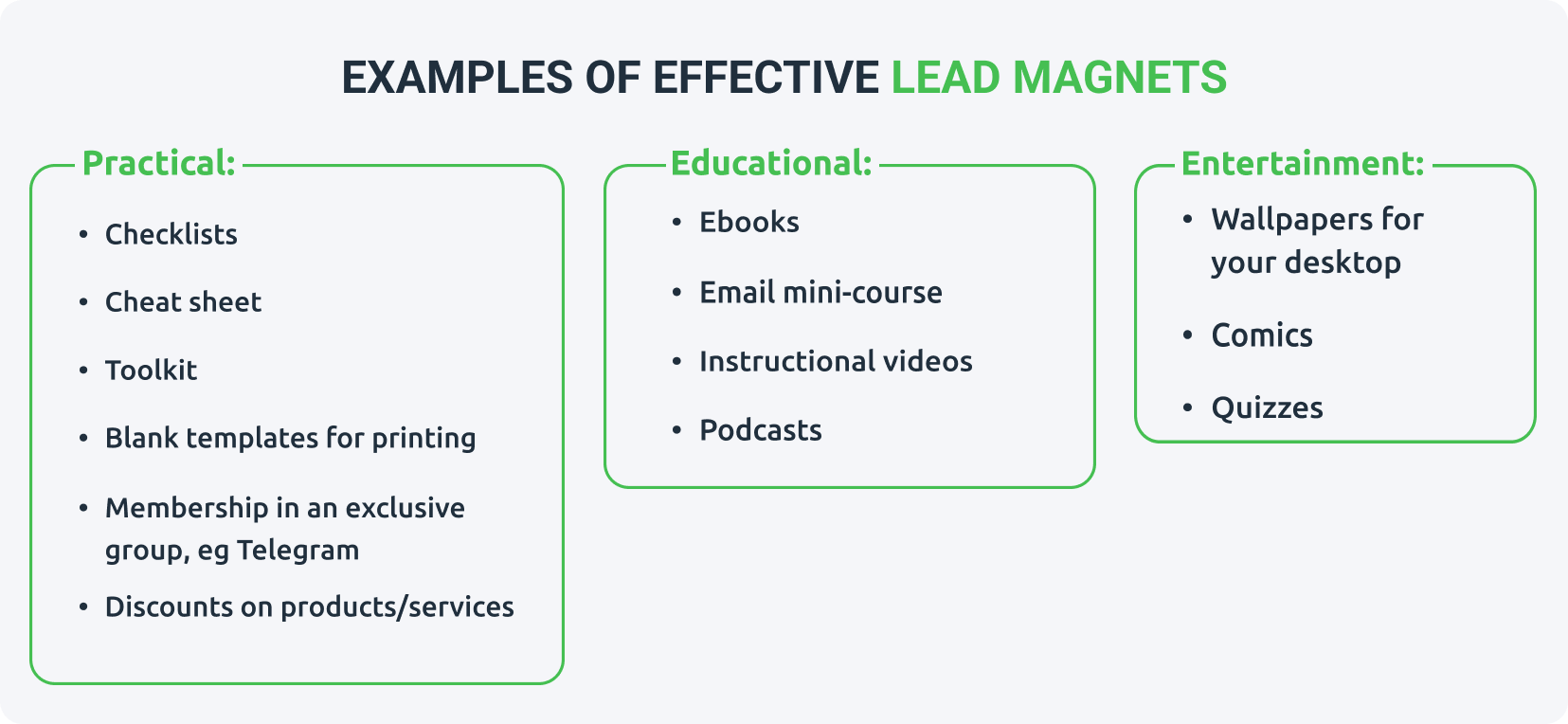
Lead magnets fall into three categories: practical, educational and entertainment. Practical magnets save time with ready-made tools, educational ones prove your expertise, and entertainment formats pull users into the funnel through fun. Your niche barely matters — the format does. The right choice depends on what your audience values most: speed, knowledge or relaxation.
Practical lead magnets
Practical lead magnets suit people who value time and want proven schemes with guaranteed results. They are fast to create and consume, which makes them ideal for beginners testing the format. A checklist for aspiring YouTubers or a basic-wardrobe list for lifestyle blogs are typical examples — short, actionable and easy to brand with affiliate links.
Checklist — a list of must-do steps, e.g. the sequences for creating a new video or the items of a capsule wardrobe.
Cheat sheet — a versatile script: presentation outlines, social-media post ideas, catchy headlines or a planting calendar.
Toolkit — a set of useful online resources, tools or services; perfect for stacking several affiliate links at once.
Template — an empty checklist, task planner, training plan, menu or shopping list ready to fill in.
Exclusive community membership — invite subscribers to a closed Facebook or Telegram group with premium content.
Discount on products/services — a small price cut on your own offers in exchange for an email address.
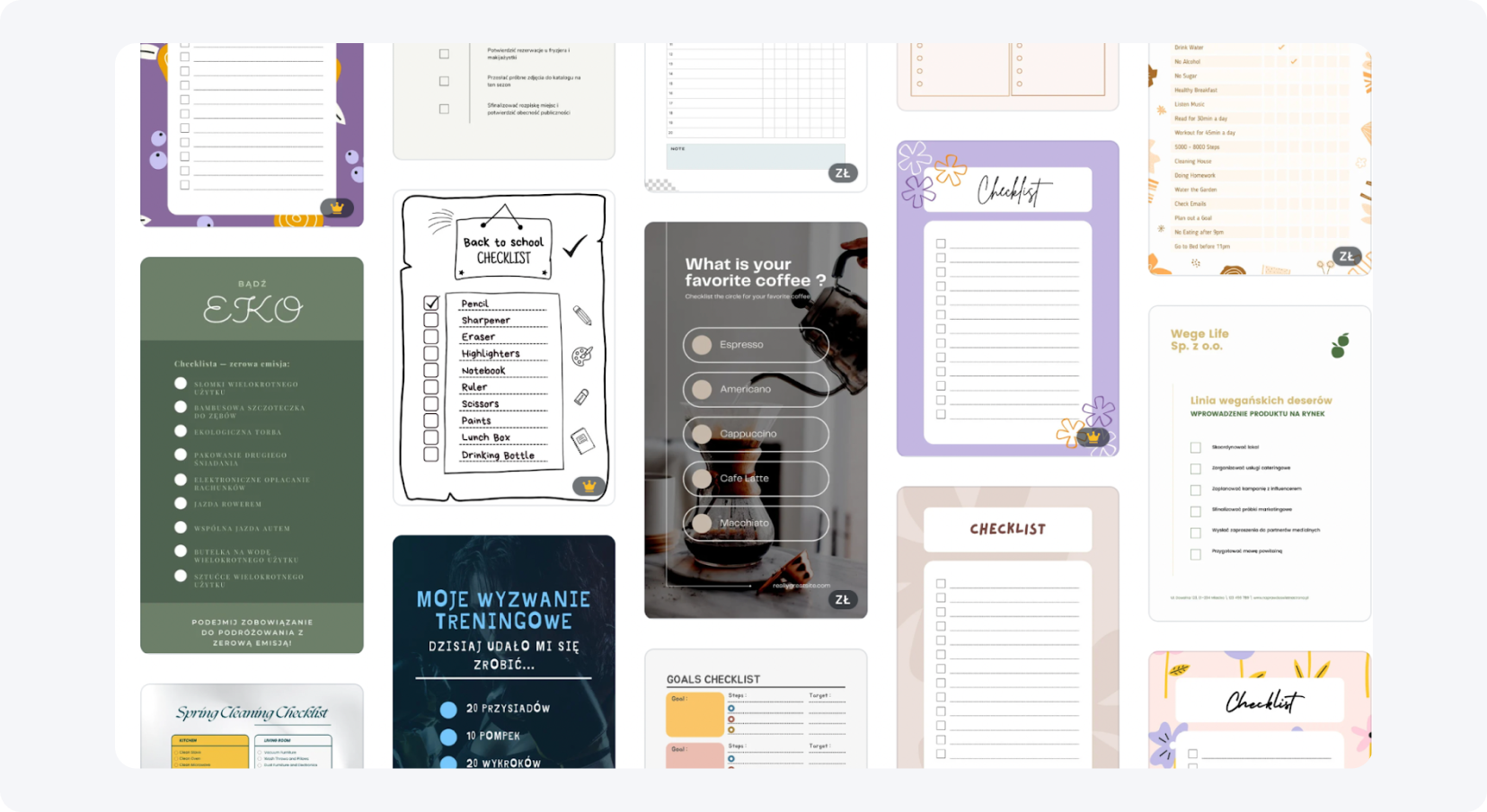
Quick Tip: Canva offers hundreds of free lead magnet templates. Type the format you need — like a checklist — into the search bar and fill it with your own content.
Educational lead magnets
Educational lead magnets work for audiences who want to know more, and they shine in niches where expertise is the selling point. They take more time than a checklist but build authority fast. An ebook needs only 15-20 quality pages, not 200 — pick a narrow, niche topic that delivers a single clear result.
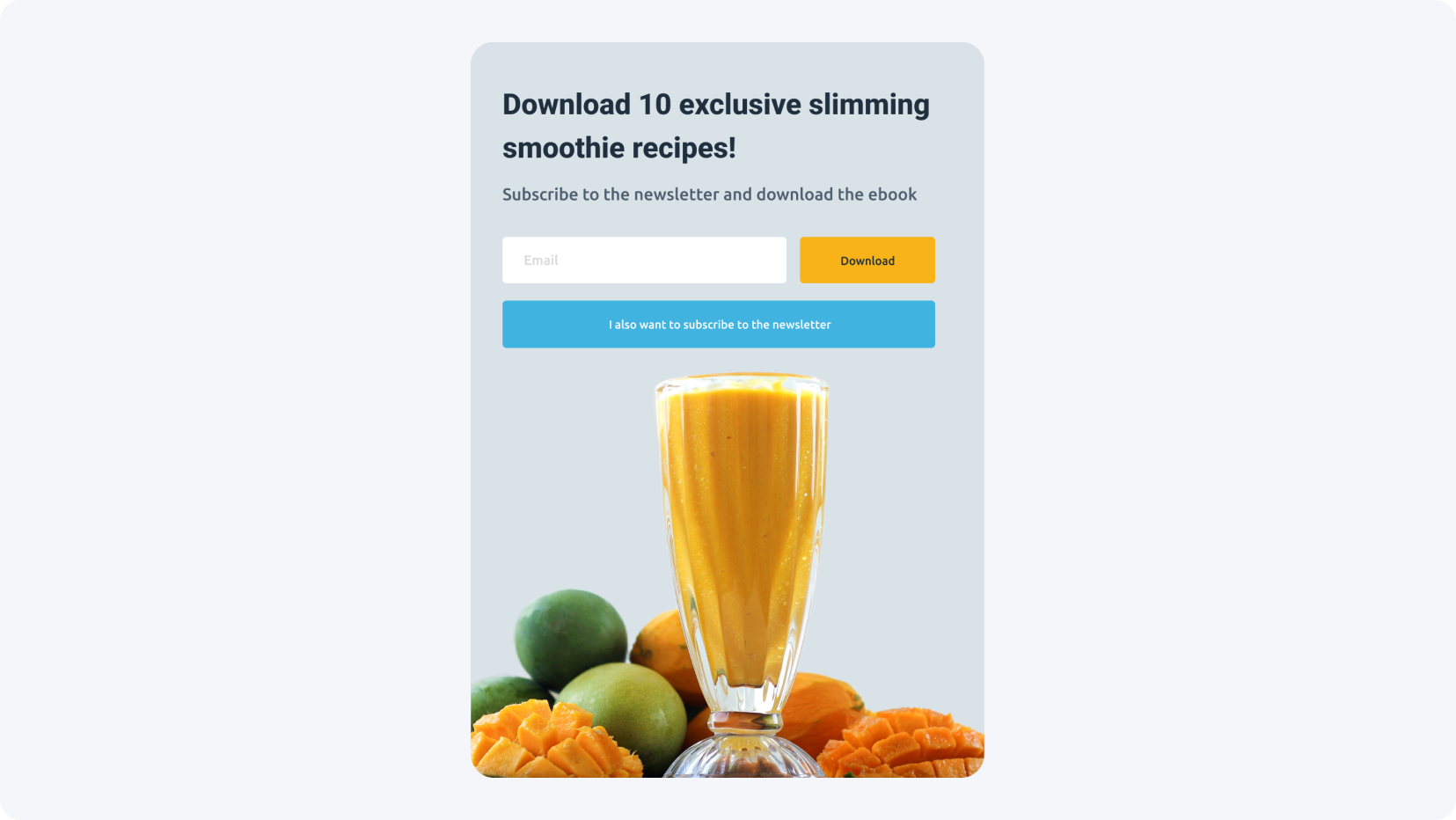
Ebooks — 15-20 focused pages beat a 200-page tome; quality counts, not length.
Email mini-course — split one topic into five emails, each carrying a different affiliate link.
Tutorial videos — record your screen with OBS Studio or ActivePresenter and add voiceover with a speech synthesizer like Narakeet.
Podcasts — record free in Audacity and share on SoundCloud or YouTube for audio-first audiences.
Entertainment lead magnets
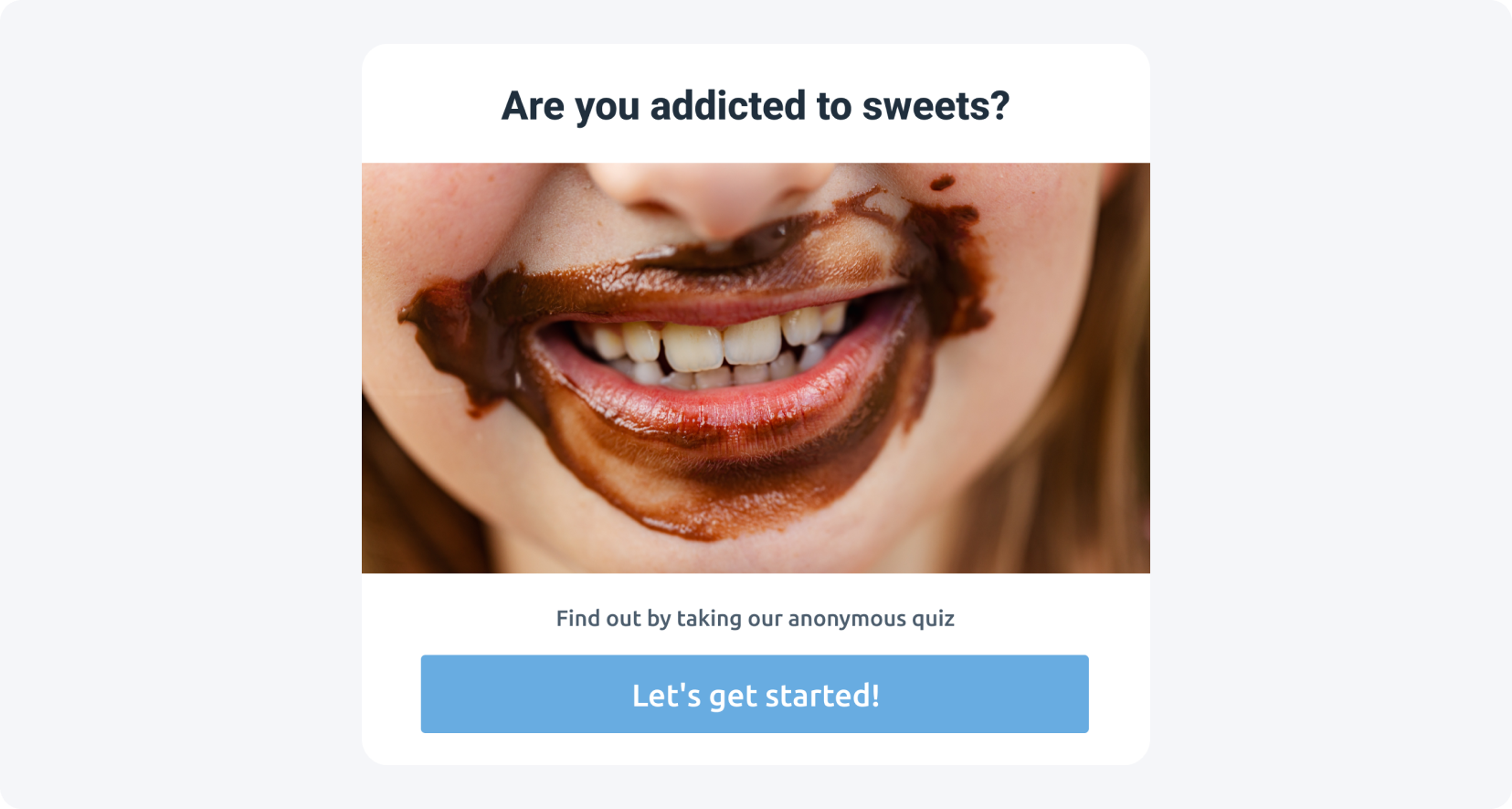
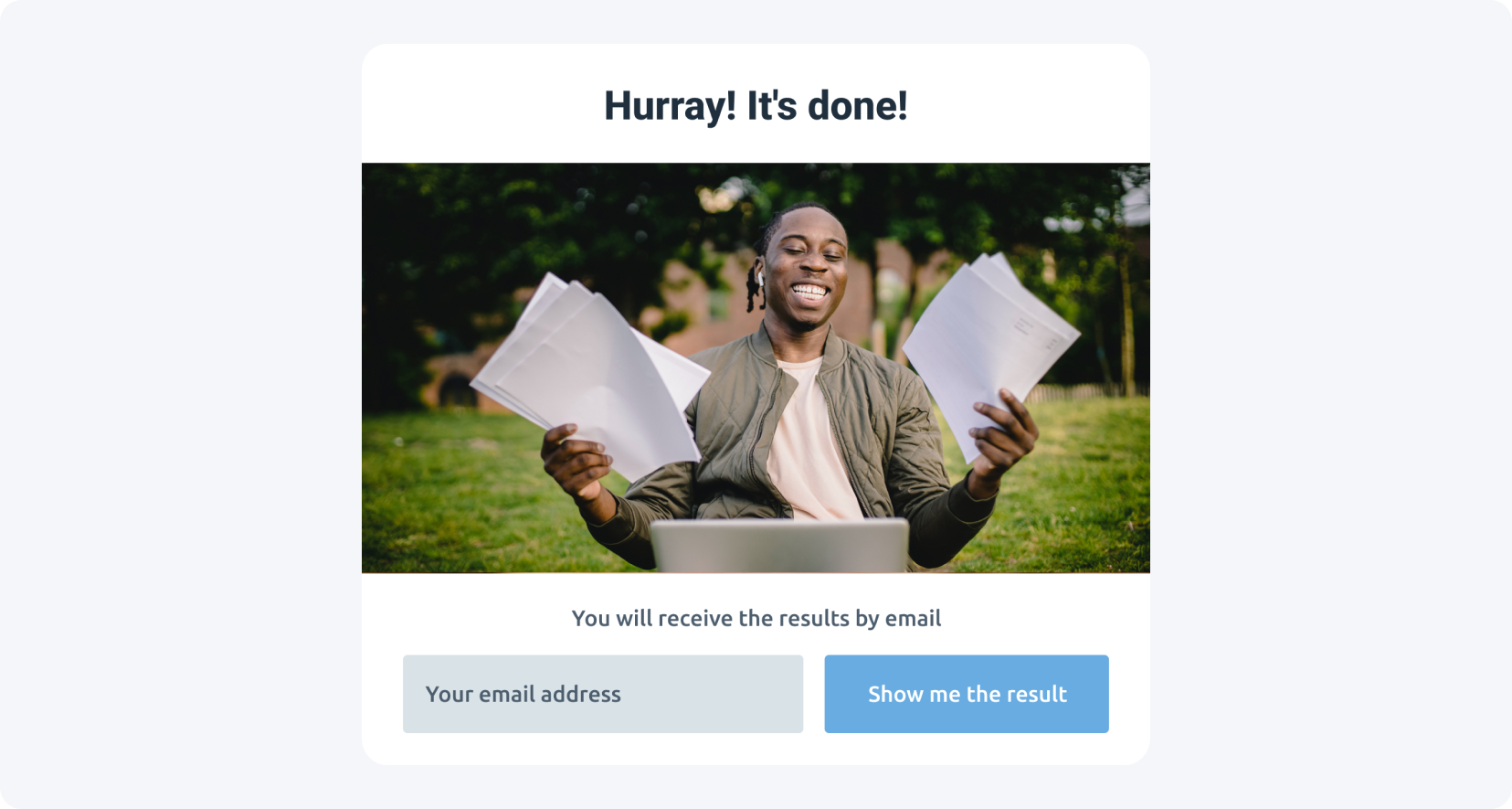
Entertainment lead magnets target users who read blogs to relax, not to learn. They won't download your video tutorial, but they happily leave an email for something fun. A quiz is the strongest option here because it pulls the user straight into the sales funnel — the result unlocks only after they share their address.
Desktop wallpapers — grab free photos from Pexels or Unsplash, add text, and stay in your audience's mind daily.
Comics — publish 2-3 frames as a teaser; readers subscribe to your newsletter to see more.
Quizzes — the best entertainment magnet; a relaxing quiz holds attention and gates the result behind an email (build one with Qzzr or Marquiz).
What makes a good lead magnet?
A good lead magnet solves one specific problem, is described honestly, stays simple, and delivers instant access. If it doesn't help your audience, the format won't save it. Over-promising with phrases like "VIP only" destroys credibility, while slow delivery — "download in three business days" — makes readers close the page and look elsewhere.
Solve a specific problem — useless content interests no one; describe the value clearly.
Match the description to the content — skip "you won't find this anywhere else"; attract with usefulness, not hype.
Keep it simple — your audience should "digest" the free product fast and move on to your other content.
Provide instant access — prepare the magnet in advance so it's ready the moment someone signs up.
How do you monetize lead magnets with Content Lockers?
You monetize a lead magnet by gating it behind a MyLead Content Locker instead of a plain email form. A File Locker blocks the download until the user completes a specific action — like a paid offer — so you earn a commission the moment they unlock it, with no need to build an email database first.

Say your lead magnet is a checklist for aspiring YouTubers with a couple of affiliate links — a tech store, an editing course. In your MyLead Content Lockers panel you get four locker types to block that file:
CPA Locker — unlocks content after the user completes a CPA offer.
Captcha Locker — a lightweight gate for quick verifications.
File Locker — blocks file downloads until an action is done; the perfect match for a lead magnet.
Mobile Rewards — rewards users for in-app actions on mobile devices.
Unlike a standard lead magnet exchanged for contact details, the File Locker unlocks the file only after a specific action — and it earns you money "here and now," without setting up email campaigns. Need help with setup? Follow the step-by-step locker configuration guide.
Not with us yet? Create a free MyLead publisher account and turn your first checklist into commissions.
Why is your lead magnet not converting?
Even a well-made lead magnet can fail to convert, and the cause is usually fixable. The six most common reasons are: too many form questions, poor design, a boring format, weak length or quality, no urgency to act, and no unique value. Each one quietly pushes users to abandon the campaign before they finish.
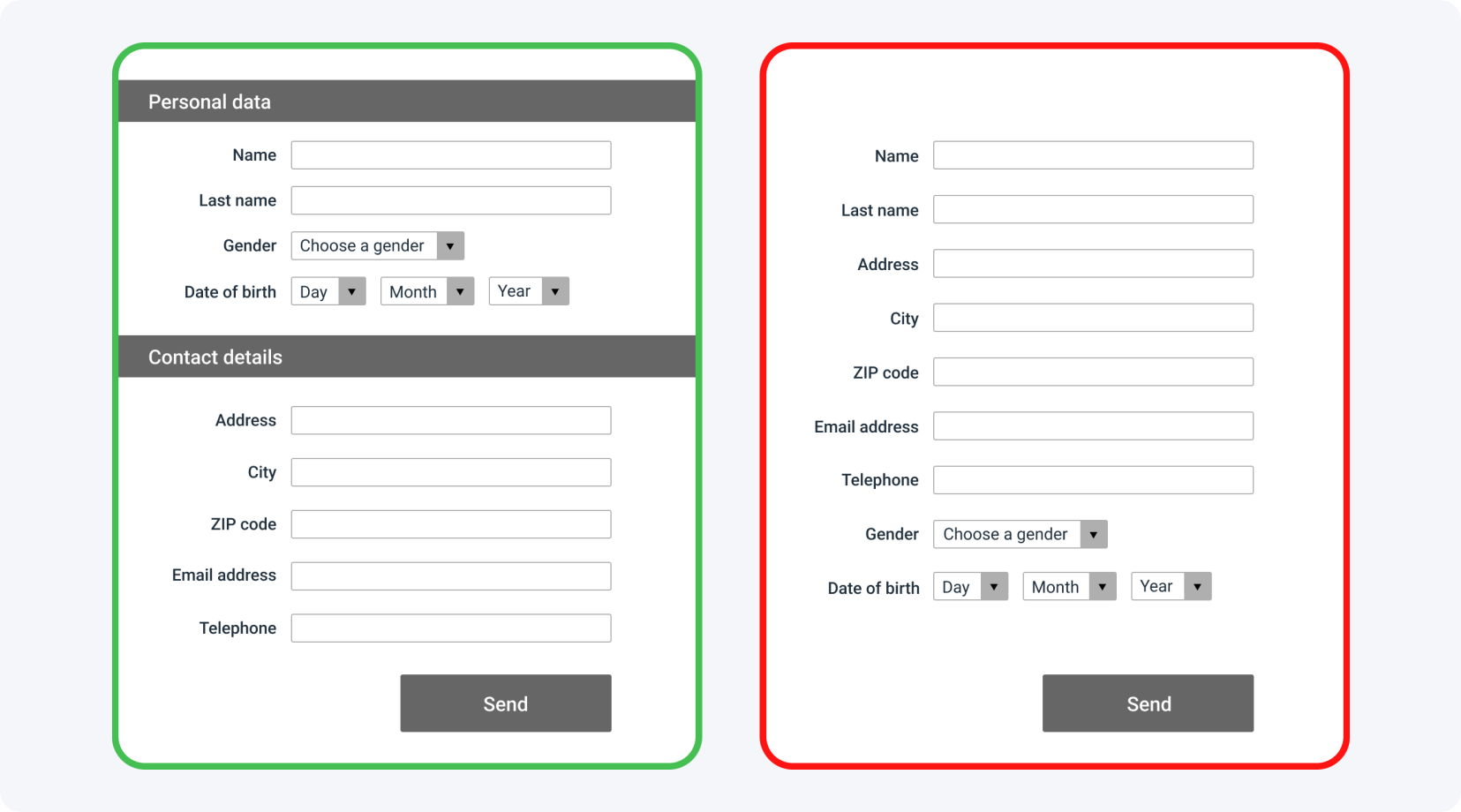
Too many questions — asking for company size, position or phone number scares people off. The less you ask, the better; useful fields are industry, company name, email, and a name if necessary.
Poor design — first impressions decide. Even the best content fails if weak design stops it from reaching your audience.
Boring format — the same ebook as everyone else blends in. Repackage the same value differently: a YouTube video, a mini-course or a podcast.
Weak length or quality — short checklists are easy to remember, but substantial, engaging material makes you stand out. Choose depth over a dozen thin checklists.
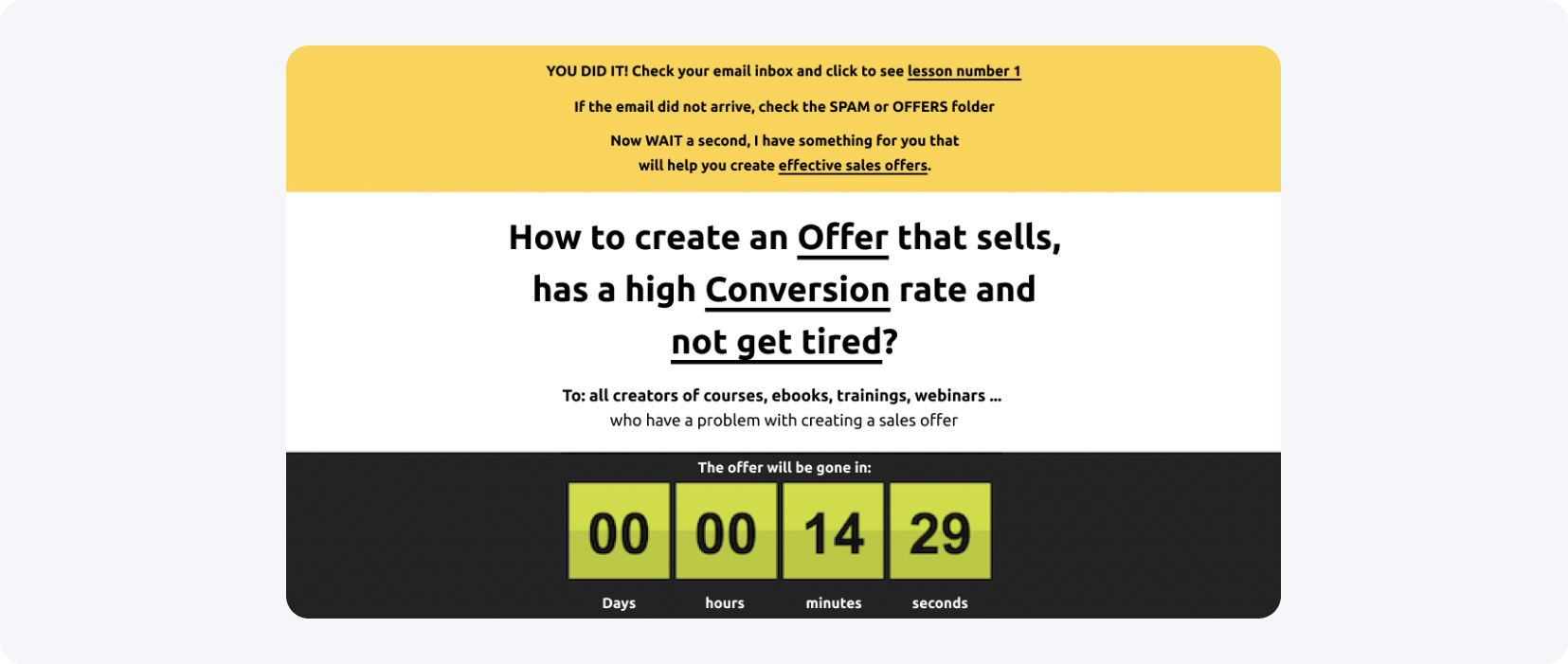
No urgency to act — free files pile up unopened. Use restricted access: tell users the templates vanish after X days, and actually remove them. See more ways to grow your email list.
No unique value — if you copy competitors exactly, expect competitor results. A lead magnet must show uniqueness and above-average expertise.
Key takeaways
A lead magnet is free value exchanged for an action — usually an email, sometimes a completed offer.
The three types — practical, educational and entertainment — fit different audience needs; quizzes convert best for relaxed readers.
A converting lead magnet solves one problem and is simple, honest and delivered instantly.
Pairing a lead magnet with a MyLead File Locker earns you a commission the moment a user unlocks the file.
Most conversion failures come from over-long forms, weak design or no urgency — all fixable.
FAQ
1. What is a lead magnet in simple terms?
A lead magnet is a free resource — an ebook, checklist or quiz — that you give in exchange for an action like sharing an email. It turns anonymous visitors into qualified leads.
2. Are lead magnets free to create?
Yes. Tools like Canva, Audacity and OBS Studio let you build ebooks, podcasts and videos at no cost. Your main investment is time and a clear topic.
3. How do lead magnets make money in affiliate marketing?
You embed affiliate links inside the magnet or gate it behind a Content Locker, earning a commission when users complete an offer to unlock it. See this blocked-article case study.
4. Which MyLead locker works best with a lead magnet?
The File Locker, which blocks a file download until the user completes an action. For mobile traffic, Mobile Rewards is a strong alternative.
5. How many fields should a lead magnet form have?
As few as possible. Ask only for industry, company name, email, and a name if needed — extra fields like a phone number lower conversions.
Summary
A lead magnet turns free value into qualified leads and income, especially when you pair it with a MyLead Content Locker that pays you the moment a user unlocks the file. Choose one specific problem, keep the format simple and honest, and gate it behind a File Locker to start earning from your content today.
Have any questions? Feel free to reach us through our channels.