Blog / Affiliate marketing
What Is an Anti-Detect Browser and Which One Should You Choose?
This article is updated regularly
Last update:
27 March 2025
An anti-detect browser is a Chromium- or Firefox-based browser that replaces your digital fingerprint — the data identifying your device, operating system and browser settings. It lets you run dozens of isolated accounts on one device without being linked or banned, which makes it a core tool in traffic arbitrage and affiliate multi-accounting.
This article breaks down how anti-detect browsers work, how they protect your earnings from bans, and which seven tools lead the market in 2026.
What you'll learn from this article:
how an anti-detect browser replaces your fingerprint and why that matters,
how safe multi-accounting protects your affiliate earnings from bans,
which core features — warm-up, teamwork, cloud storage — actually save you time,
which seven anti-detect browsers lead the market in 2026 and how they differ.
What is an anti-detect browser and how does it work?
An anti-detect browser looks like Chrome, Firefox or Opera but differs in one function: it replaces your browser fingerprint. A fingerprint is data collected about your device, operating system and browser — language, plugins, screen resolution, timezone and color settings — packed into a 32-bit number that identifies you even when cookies are disabled.
Knowing the fingerprints of internet users lets companies track activity across the network and build targeted advertising. An anti-detect browser changes that fingerprint and makes you anonymous. If you want the mechanics, read our explainer on what a digital fingerprint is.
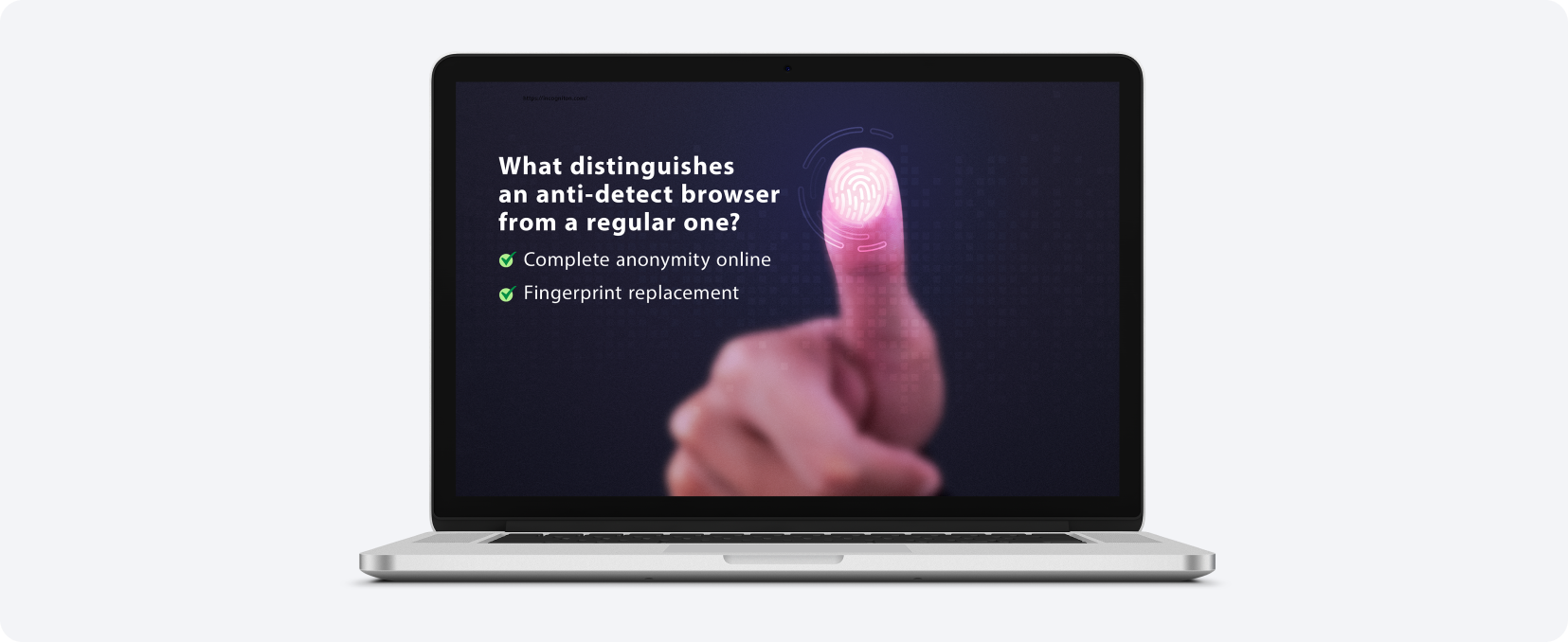
Most anti-detect browsers are built on Chromium — Google's open-source browser template that also powers Chrome, Microsoft Edge and Opera. Chromium records no user data by default, which is exactly why anti-detect creators use this engine. Working with one feels no different from a regular browser.
How does an anti-detect browser help you make money online?
An anti-detect browser protects your earnings by enabling safe multi-accounting. When you manage dozens of advertising and social accounts, platforms lose the ability to identify your device, so you avoid bans for running multiple accounts. Each tab behaves as an autonomous user, which is essential for traffic arbitrage at scale.
Inside the browser, accounts are fully autonomous — every new tab lives its own life on the same device. This lets you promote your creatives with interactions simulated by "users" from other tabs, without switching machines. Knowing the mistakes that get you banned on Facebook helps you keep those accounts alive.
Almost 68% of affiliates worldwide use social networks as traffic sources, so anti-detect browsers sell like hot cakes. To go deeper into social traffic, see our detailed Facebook monetization guide and watch the interview with a Facebook promotion expert below.
Anti-detect browsers also automate many traffic-draining processes — teamwork, faster account warm-up and more. Ready to put this into practice? Create a free MyLead publisher account and start promoting campaigns with full account safety.
What features do anti-detect browsers offer?
Anti-detect browsers offer five core feature groups: multi-accounting on any platform, teamwork with shared accounts, export and import of accounts, automatic warming up of accounts, and cloud storage. Together they turn isolated profiles into a managed system that automates the repetitive tasks filling an affiliate's day.
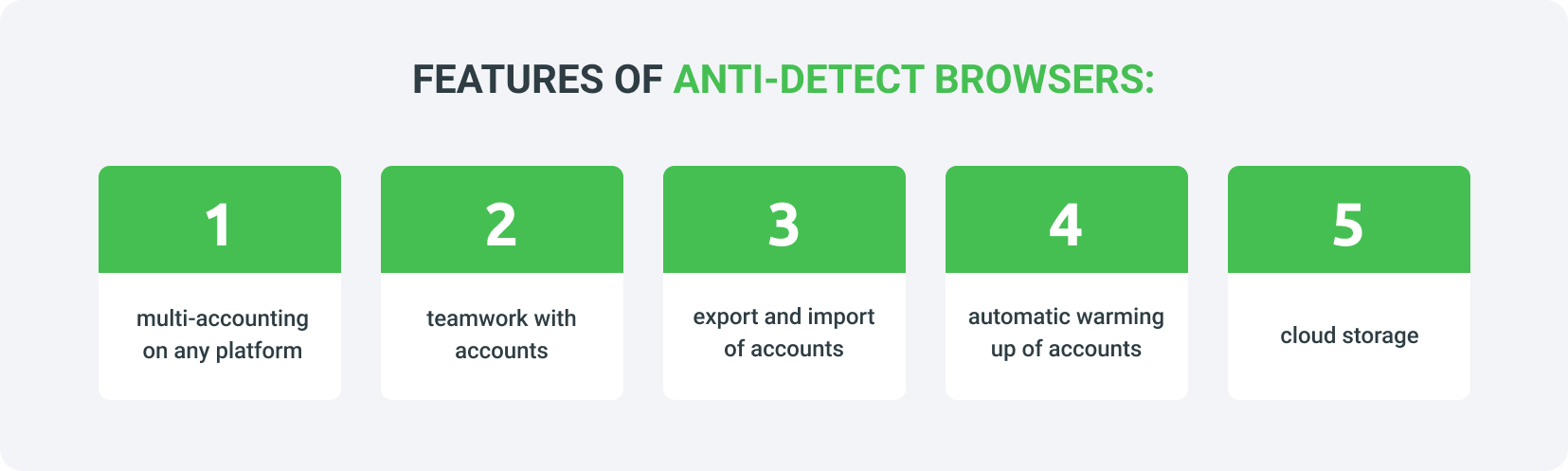
Multi-accounting on any platform — run isolated profiles on Facebook, TikTok, Google and more without cross-detection.
Teamwork with accounts — assign roles and access levels so several people manage profiles safely.
Export and import of accounts — move profiles, cookies and proxies in bulk between devices or teammates.
Automatic warming up of accounts — bots browse sites on a schedule to make new accounts look natural.
Cloud storage — keep profiles synced and available from any device.
These features matter most at scale: a single ban can wipe out weeks of work, so isolation and automation directly protect revenue. Pair your setup with the right browser extensions for publishers to speed up daily tasks.
How do you choose the right anti-detect browser?
Choosing an anti-detect browser depends on whether you work solo or in a team and which platforms you target. Test free trials first — almost every provider offers one — before moving to a paid plan. During use, verify your setup with checker services such as Pixelscan or CreepJS to confirm your fingerprint is masked.
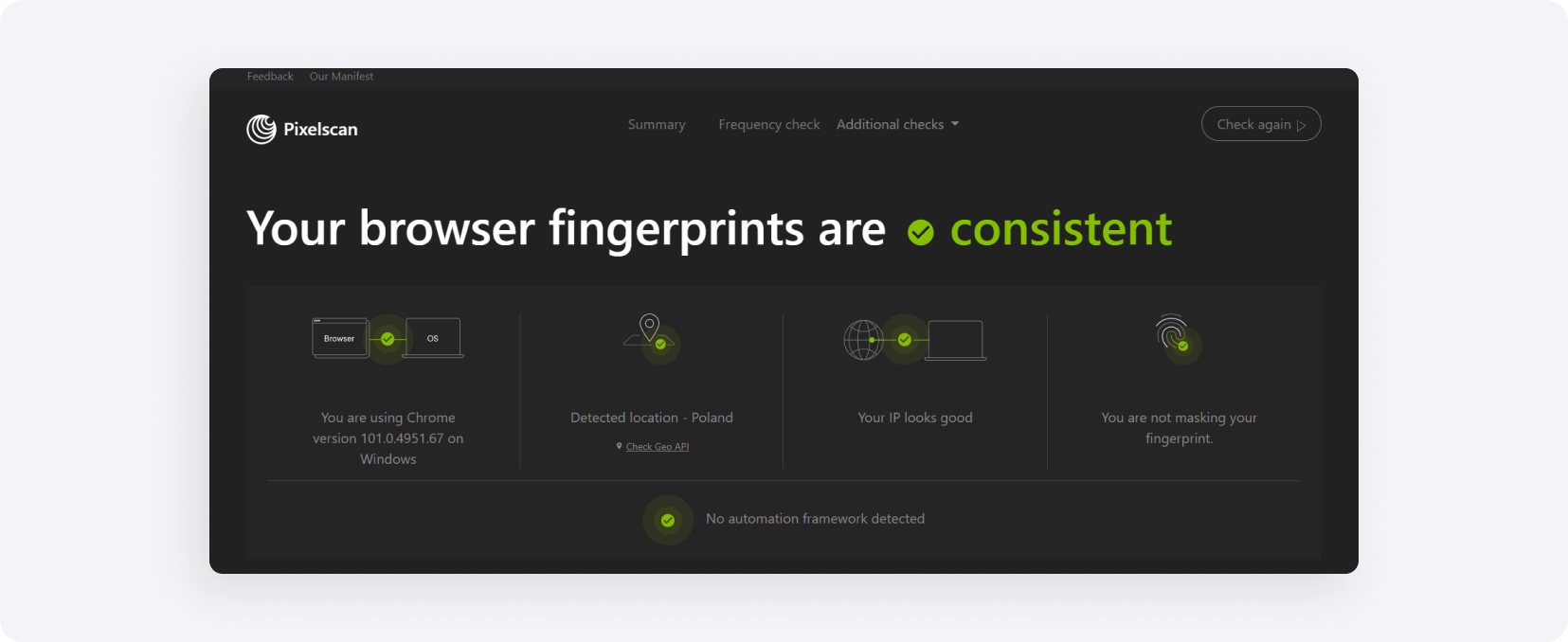
Pixelscan shows the data your device transmits and whether you are masking a fingerprint. If it reports consistent fingerprints and detects no automation framework, your configuration works. To compare the wider toolset, see our roundup of top tools for publishers.
Which are the best anti-detect browsers in 2026?
The best anti-detect browsers in 2026 include Incogniton, Gologin, Dolphin{anty}, AdsPower, MoreLogin, Undetectable and OctoBrowser. This is not a ranking — each suits different needs. Most offer free trials or free profiles, so you can test them before committing to a paid plan.
Incogniton
Incogniton is an anti-detect browser for multi-accounting with a built-in function that simulates human keyboard input. This further automates your workflow and lowers the risk of being recognized online. It integrates with Selenium Python and lets you assign a role to each team member for convenient collaboration.
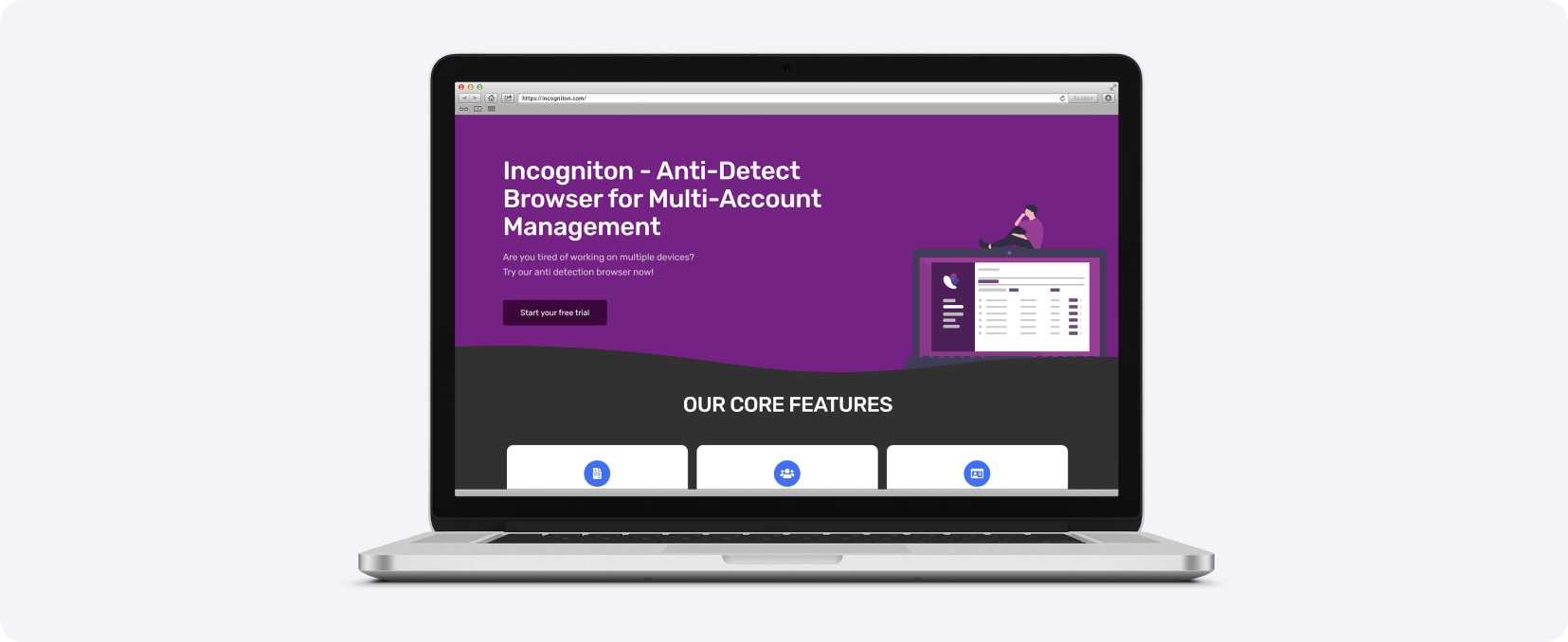
Human-like text input — simulates typing by a real person to avoid detection.
Selenium Python integration — connect automation scripts directly.
Team roles — assign access to each member for shared work.
Incogniton lets you work with 10 accounts free of charge, and with promo code MyLead15 you get a 15% discount on payment.
Gologin
Gologin positions itself as a multitasking service based on fingerprint replacement, pharming and multi-accounting. With it you can automate online earnings in traffic arbitrage and beyond — the service also helps automate crowd marketing on forums and blogs, plus mass following and mass liking on social networks.
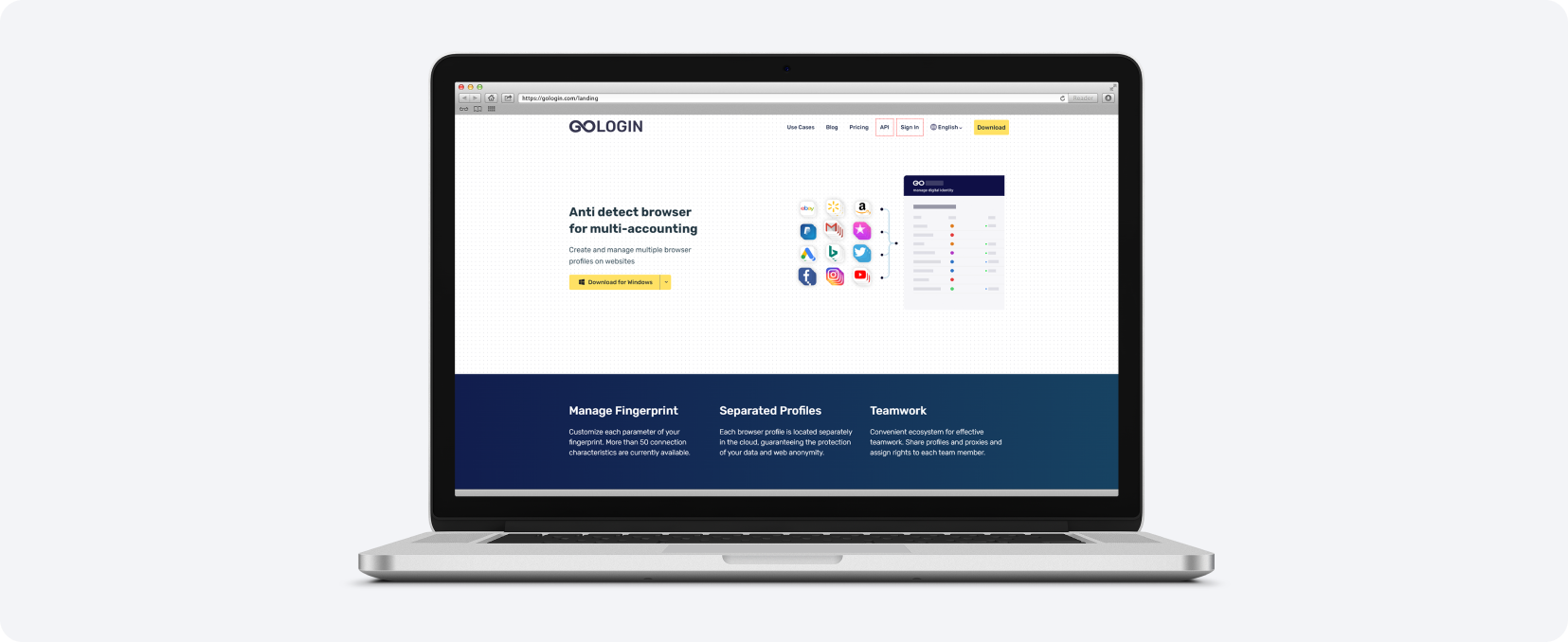
Reliable fingerprint replacement — accurate spoofing across parameters.
Minimum bans — a low ban rate in practice.
Bulk import — load cookies, proxies and extensions in bulk.
Quick profile start — launch new profiles fast.
Android fingerprint — mobile device spoofing.
Mobile app — manage profiles from your phone.
50% annual discount — when paying for the whole year.
Gologin offers a free 7-day trial with all features, and promo code MYLEAD extends your test to two weeks.
Dolphin{anty}
Dolphin{anty} masks and replaces many browser fingerprints, and it does not do so randomly — it builds the final fingerprint from real devices. This makes it easy to pass checkers such as Pixelscan or CreepJS. The browser is designed to automate routine traffic-arbitrage tasks and supports structured teamwork.
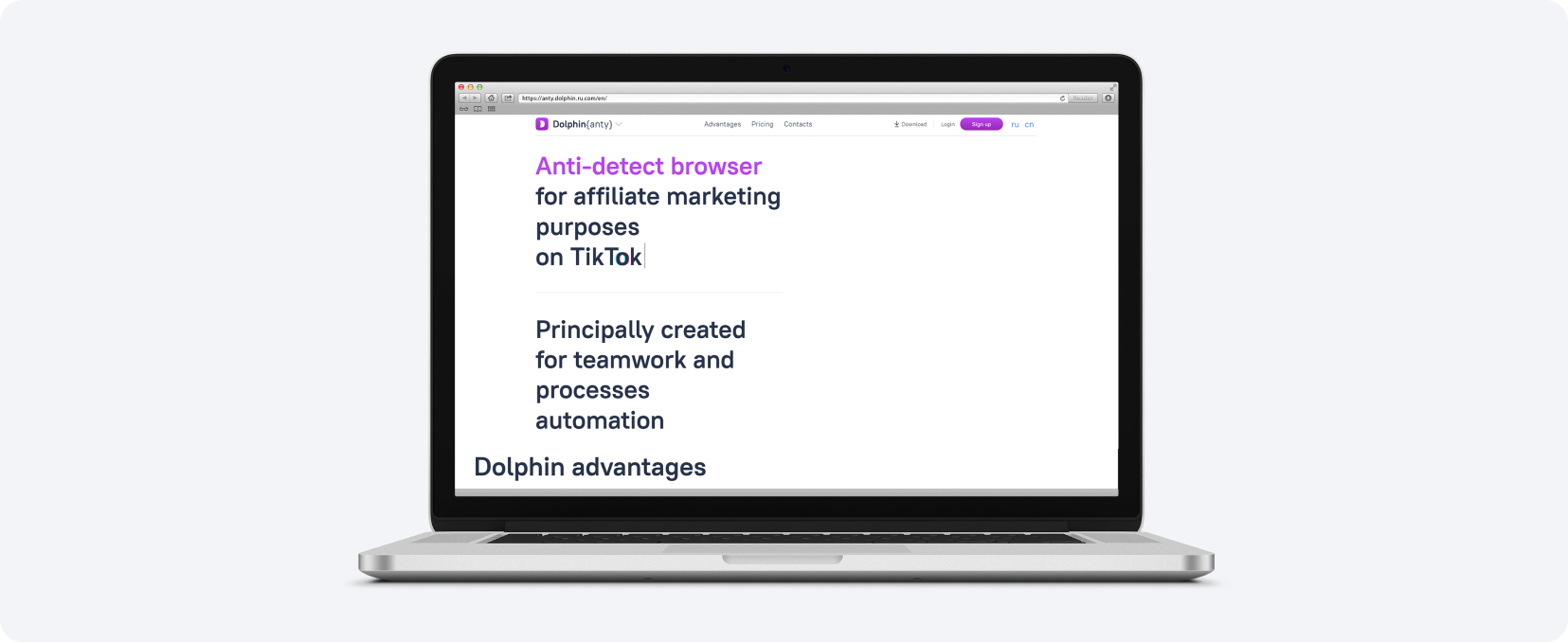
Wide spoofing range — WebRTC, Canvas, WebGL, Client Rects, Timezone, Language, GEO, Processor, Memory, Screen, Media and Ports.
Routine task automation — set start pages, tags, statuses, bulk extensions and notes per account.
Team access levels — Admin sees all profiles, Teamlead sees attached users, User sees only their own.
No-code automation constructor — build automations without writing code.
Dolphin{anty} has a free plan for 10 profiles and a 4-day trial on all plans; promo code MYLEAD gives a 20% discount on your first payment.
AdsPower
AdsPower is positioned as a tool for multi-accounting, traffic arbitrage and SMM. It greatly simplifies a webmaster's work — for example, you can reach a new level of automation with its RPA robot (robotic process automation) and use additional built-in plugins to streamline repetitive tasks.
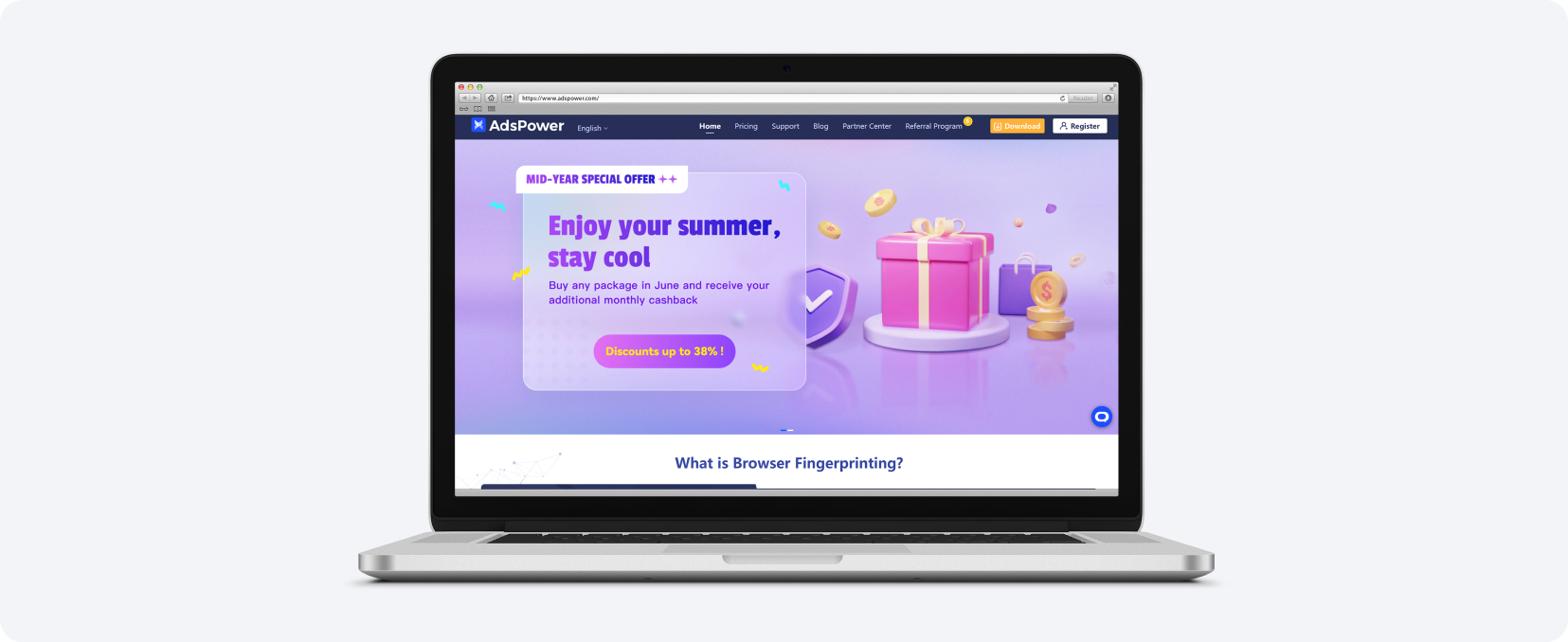
RPA robot — automate repetitive tasks with ready templates or your own.
Chromium and Firefox cores — regular updates for better spoofing and undetectability.
Hierarchical teamwork — control and analyze work through an operation log.
AdsPower provides a 3-day free trial on Pro and Base plans, and promo code MYLEAD gives 10% off your first monthly subscription.
MoreLogin
MoreLogin is one of the most reliable and secure anti-detect browsers, helping you manage multiple accounts, automate operations and generate anonymous IPs. It is supported on both Chrome and Firefox with an easy-to-use interface, and works across platforms such as Facebook, Instagram, TikTok and crypto exchanges like Binance and Bitget.
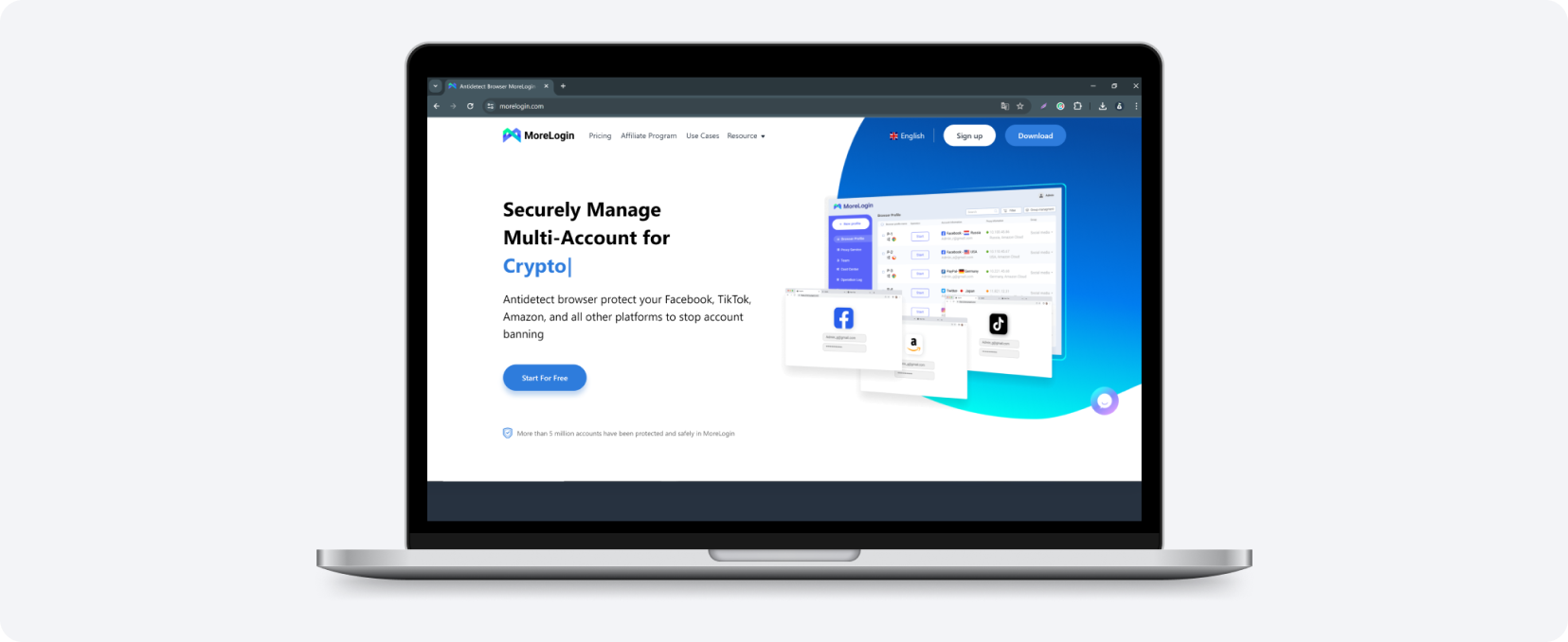
Hundreds of profiles per device — separate caches, cookies and settings for each.
Individual access rights — monitor profile status per team member.
Mass cache management — create and manage profiles in a few clicks.
Fast profile transfer — move profiles to another user instantly.
MoreLogin is built for scale, with more than five million accounts managed since its latest launch and constant improvements to server stability and fingerprint quality.
Undetectable
Undetectable is an anti-detect browser for unlimited multi-accounting with a built-in manager for mass account generation. With it you can create approximately 1000 accounts at a time, each with its own configuration. It uses fresh real prints of operating systems and browsers to stay undetected.
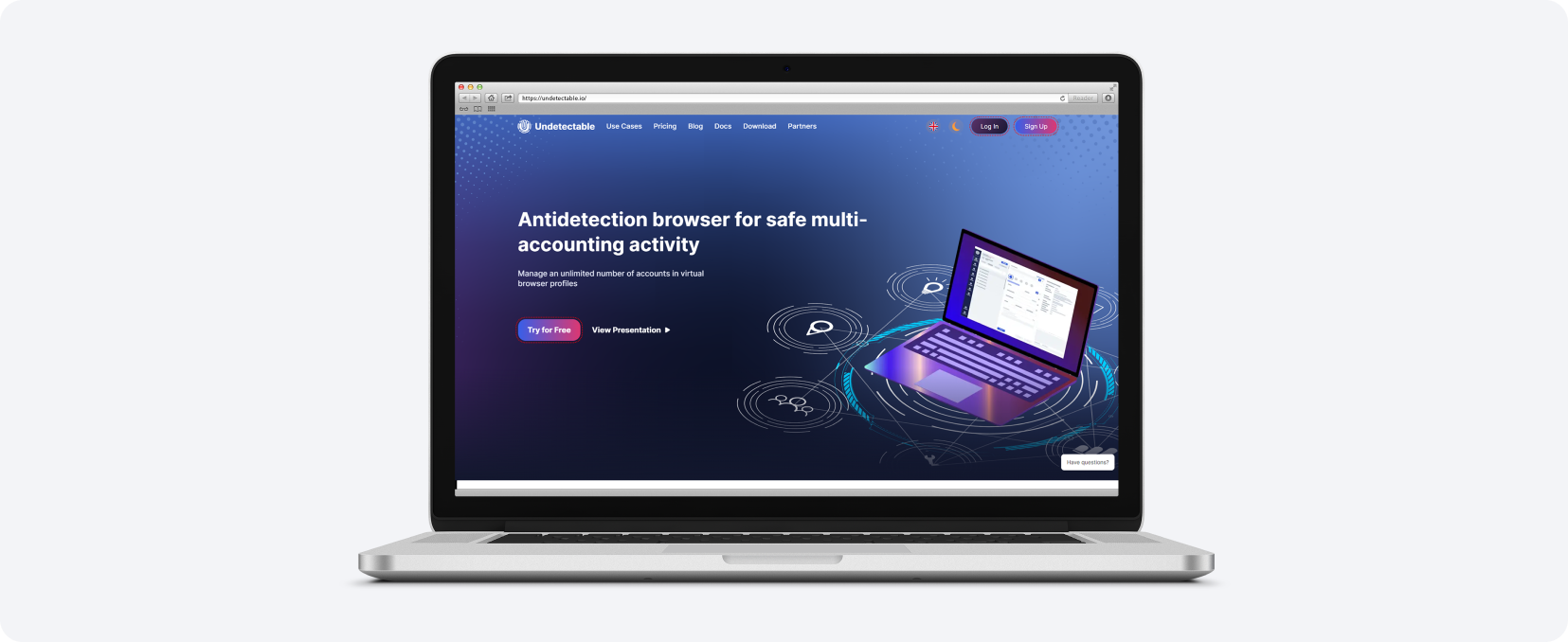
Fresh real prints — genuine OS and browser fingerprints, available in the free version.
Cookie bot — warms up accounts by browsing sites on a configurable schedule.
GEO site generator — lists popular sites in a chosen GEO to maximize farming efficiency.
Undetectable lets you work with 5 accounts free of charge, and promo code MYLEAD gives a 20% discount on your first license.
OctoBrowser
OctoBrowser is a universal anti-detect browser that uses fingerprints of real devices, which removes the chance of failing a checker. This gives maximum protection against device identification and account crossing. It requires no configuration — you create a quick profile in one click and start working right away.
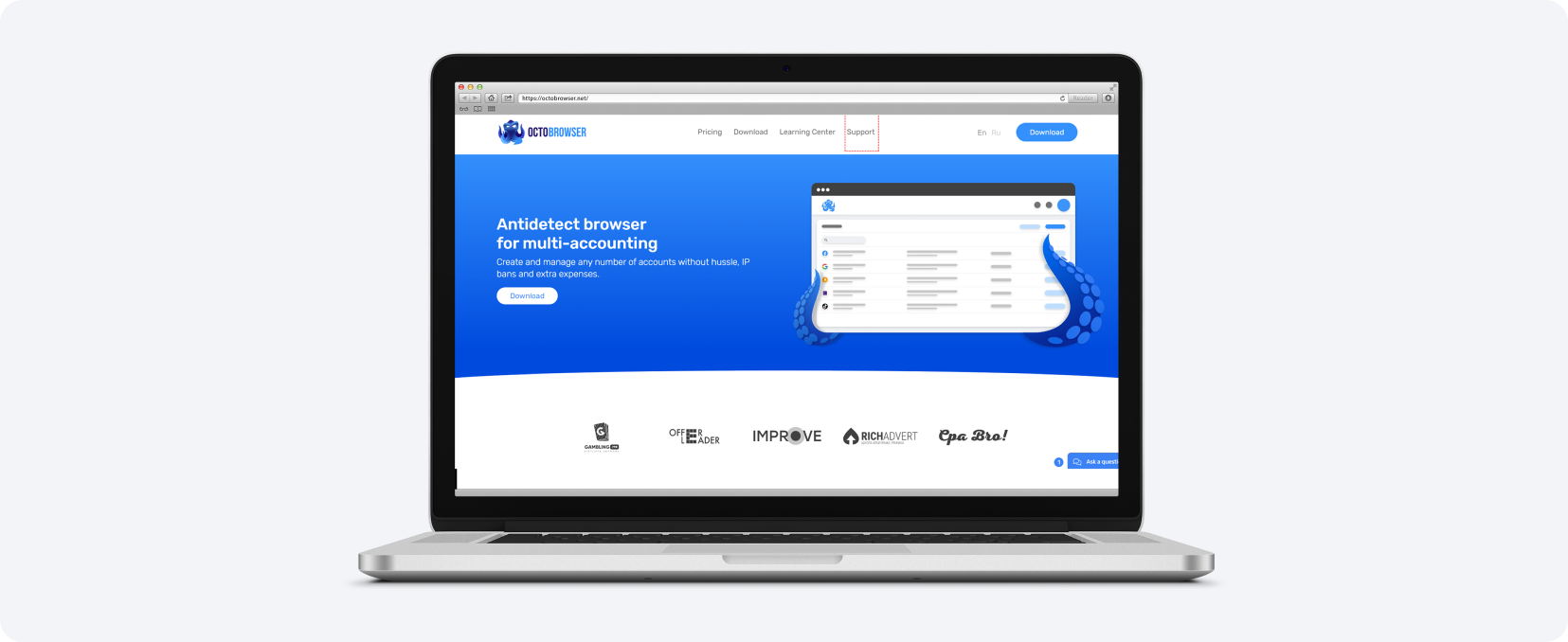
No configuration — create a quick profile in one click.
Unlimited devices — run as many profiles as your system resources allow.
Flexible teamwork — granular settings for team collaboration.
OctoBrowser gives new users promo code MLDG-220629 for a 5-day test on the Base plan.
Key takeaways
An anti-detect browser replaces your browser fingerprint, letting you run many isolated accounts on one device without being linked.
Most tools are built on Chromium, so they feel like a normal browser but disable default tracking.
Safe multi-accounting is the core benefit — it prevents bans when you manage dozens of social and ad accounts.
Always test your setup with a checker like Pixelscan to confirm your fingerprint is actually masked.
Incogniton, Gologin, Dolphin{anty}, AdsPower, MoreLogin, Undetectable and OctoBrowser all offer free trials or free profiles, so you can compare before paying.
FAQ
1. Is an anti-detect browser legal?
Yes. An anti-detect browser is a legitimate privacy and multi-accounting tool. How you use it is what counts — always follow the terms of service of the platforms and campaigns you promote.
2. Is there a free anti-detect browser?
Yes. Incogniton offers 10 free accounts, Dolphin{anty} a free plan for 10 profiles and Undetectable five free accounts. Most other tools provide time-limited free trials.
3. How does an anti-detect browser prevent account bans?
It gives each profile a unique fingerprint and isolated cookies, so platforms cannot link your accounts to one device. This stops the cross-detection that triggers multi-accounting bans.
4. Do I need an anti-detect browser for affiliate marketing?
If you run multiple ad or social accounts for traffic arbitrage, yes. For a single account and organic promotion it is optional, though it still adds privacy.
5. How do I check if my fingerprint is masked?
Open a checker such as Pixelscan or CreepJS. If it reports consistent fingerprints and detects no automation framework, your anti-detect browser is working correctly.
Summary
An anti-detect browser is the backbone of safe multi-accounting in affiliate marketing: it replaces your fingerprint, isolates every profile and automates routine traffic-arbitrage tasks. Pick a tool that matches your team size and budget, test it with a checker, and if you are just starting, our guide to affiliate marketing for beginners shows the first steps.
Have any questions? Feel free to reach us through our channels.