
Blog / Affiliate marketing
How to Make Money With a Content Locker? A $515 YouTube Case Study
This article is updated regularly
Last update:
27 August 2025
A content locker is a monetization tool that unlocks a file, article, or video only after a user completes a paid action, such as a survey or app install. In this MyLead case study from 2026, publisher Michael earned $515.2 in 21 days by locking a game hack file behind a YouTube tutorial, at $0.80 per conversion on average.
This article breaks down Michael's exact content locker strategy step by step — from picking a high-demand keyword to the traffic and audience targeting behind the result. You will also see the full conversion stats from the 21-day campaign.
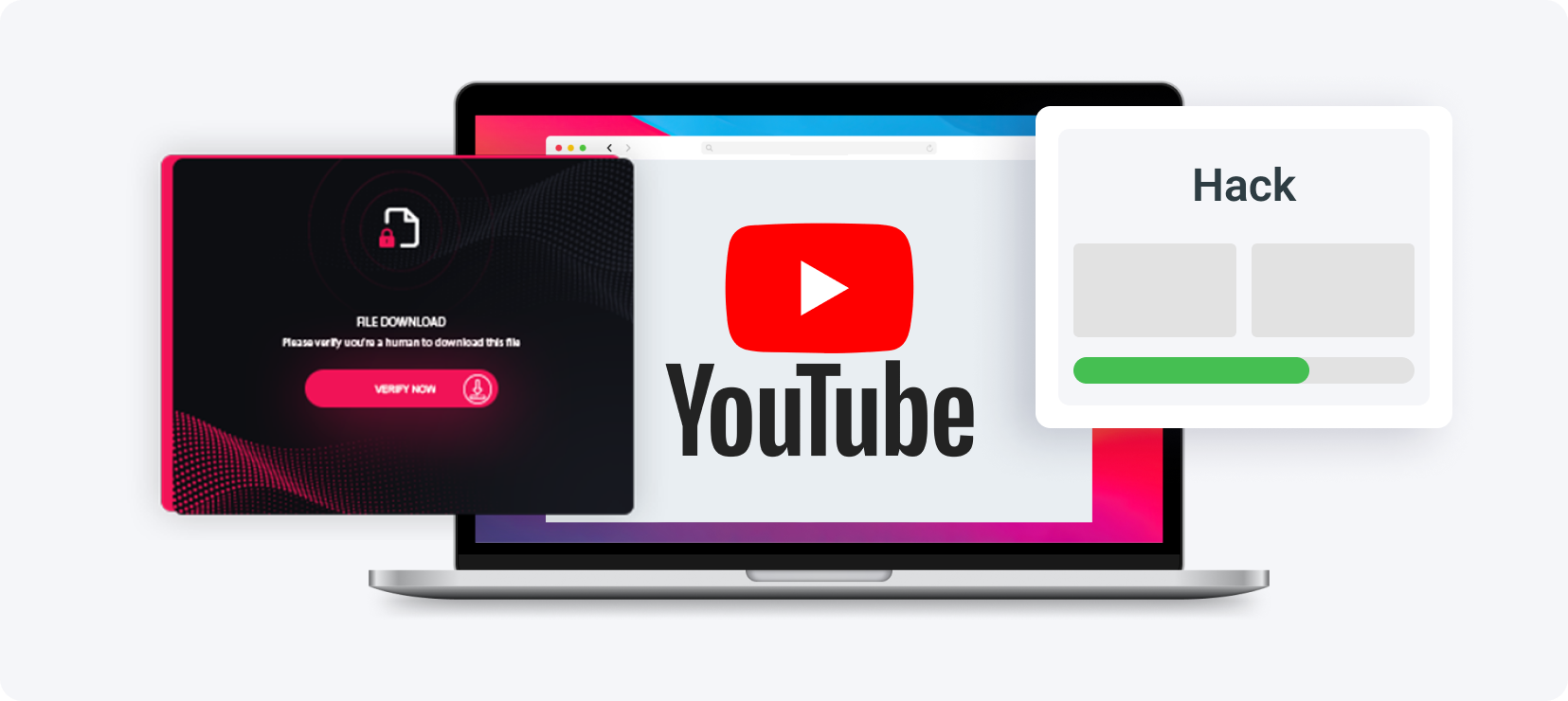
What you'll learn from this article:
how a content locker works and why it is called an "empty offer",
how to monetize a simple file without selling a product,
the step-by-step strategy Michael used on YouTube,
how audience targeting (countries, interests) affects earnings,
how conversion rate and EPC shape your total profit.
What is a content locker and how does it work?
A content locker is an "empty offer" that blocks access to specific content — a file, an article, or part of a page — until a visitor completes at least one action from a list. On MyLead, the publisher earns a commission for every completed action, without selling a physical product. The payout depends on the offer, the user's country, and the device.
You can place a content locker on your website to gate an article, lock content inside an app, or block a downloadable file. The file option is the most flexible — you drop the link in a comment, a social media post, or a video description. Learn the basics in the MyLead Content Lockers guide.

How did Michael earn $515 with a content locker on YouTube?
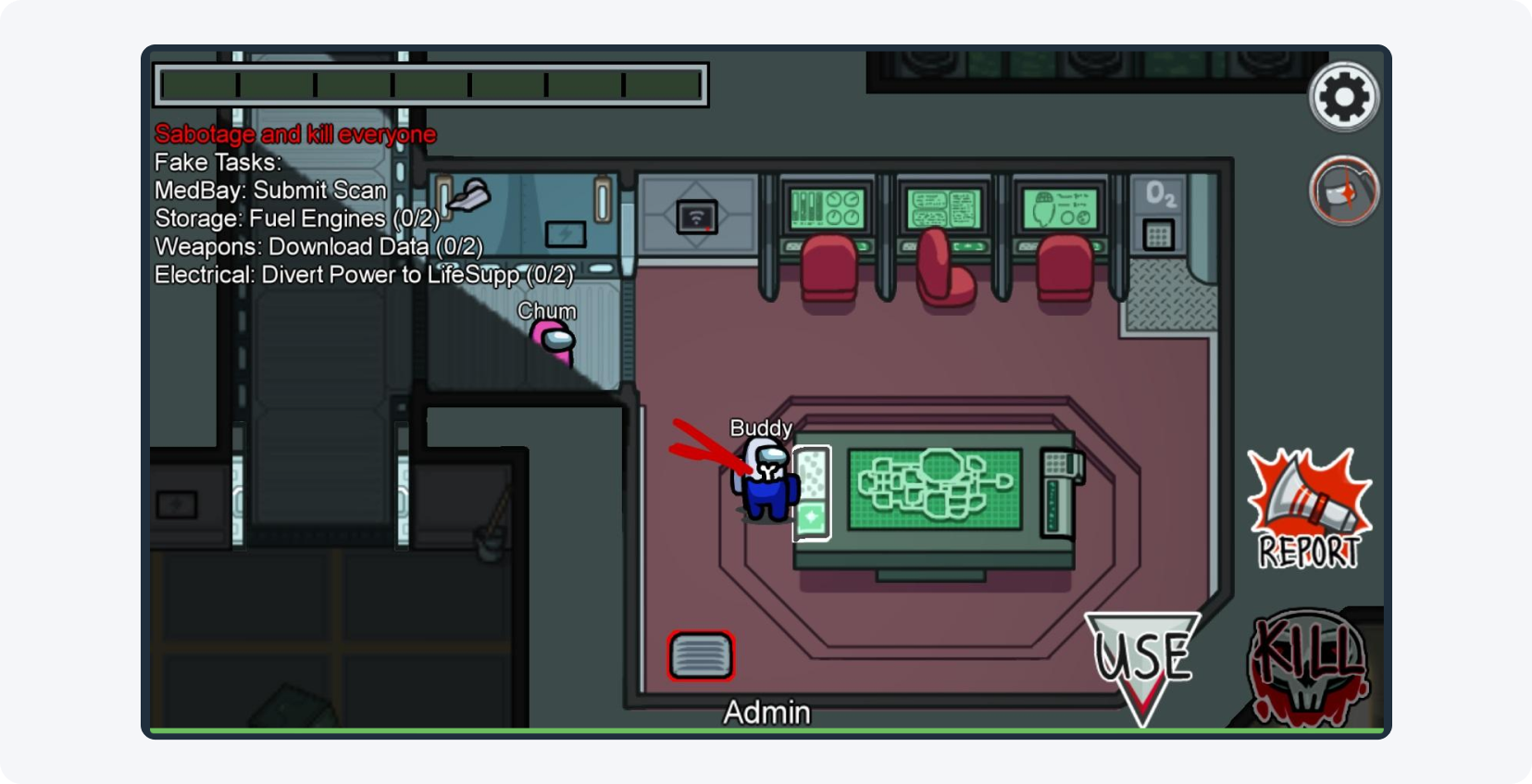
Michael earned $515.2 in 21 days by combining three elements: a high-demand keyword (game hacks), a YouTube tutorial that proved the file worked, and a File Locker that gated the download behind MyLead offers. He promoted a hack for the multiplayer game Among Us, targeting players who were actively searching for it.
His logic was simple: the most-searched phrases around popular games are hacks. By matching the locked file to that exact intent, he turned organic search demand into clicks. The result depends heavily on choosing the right affiliate offers for your locker, so Michael picked offers that converted well in his target countries.
How did Michael pick the right keyword?
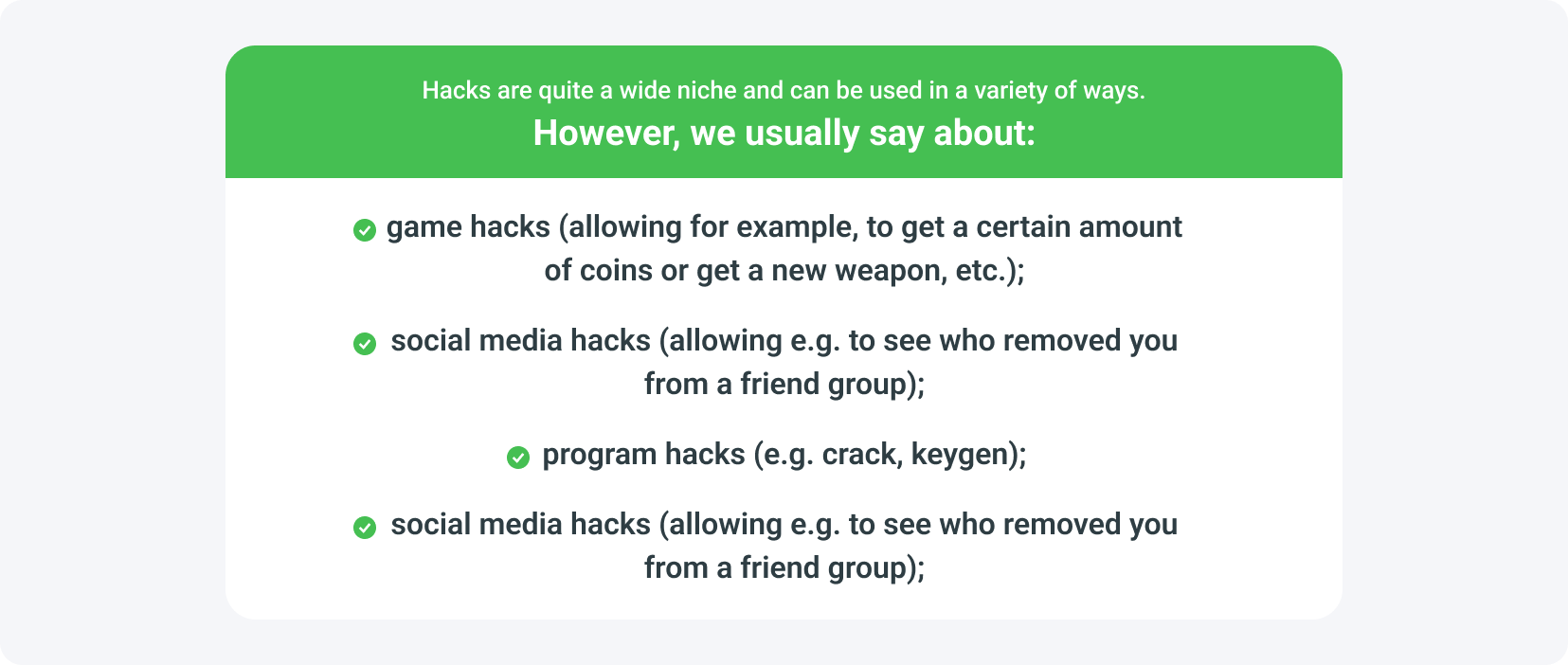
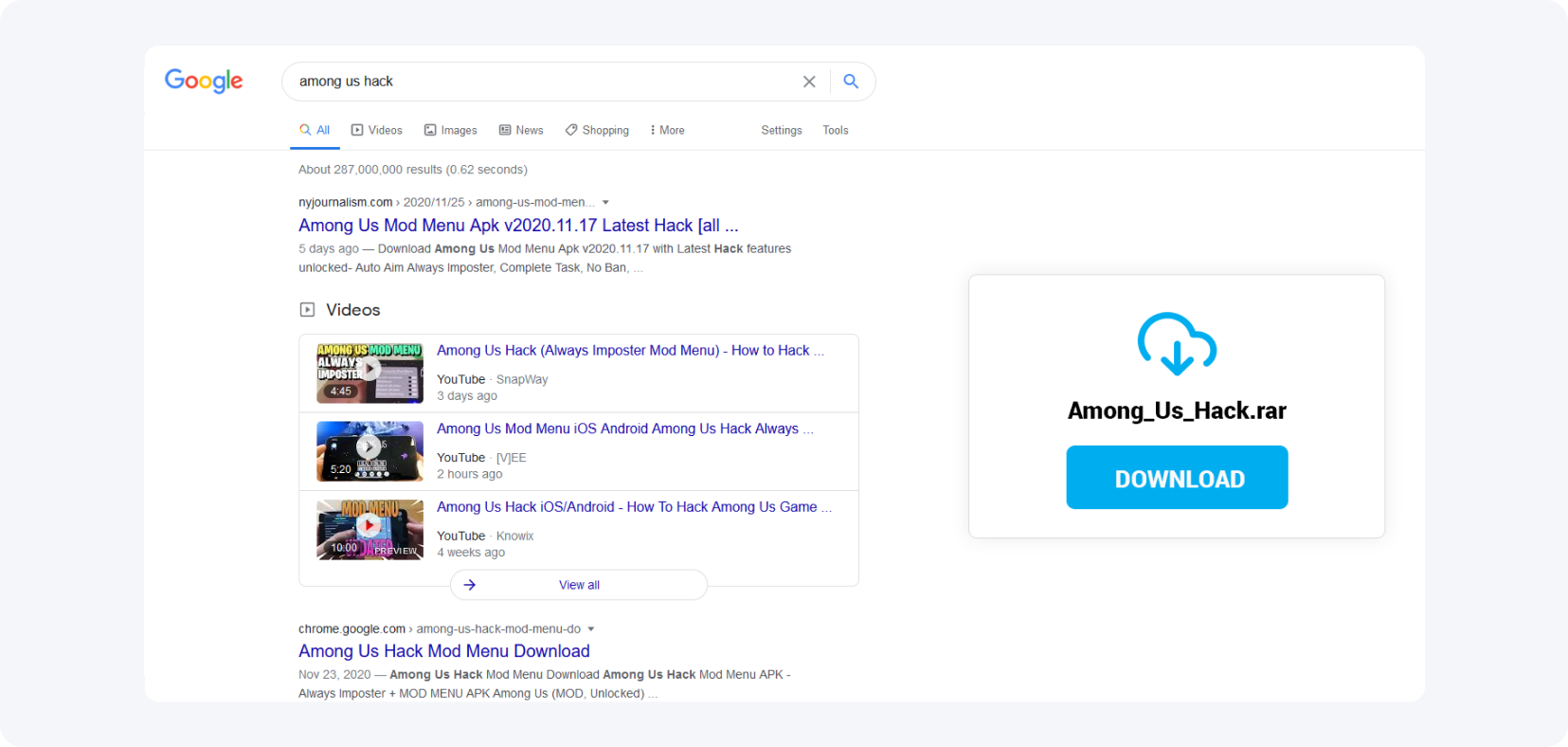
Michael's short analysis showed that the most frequently searched phrases for popular games are hacks. He found and downloaded a working hack for Among Us in a few minutes using a search engine. This keyword choice matched real user intent, which is the foundation of every high-converting content locker campaign.
How did he create the YouTube video?
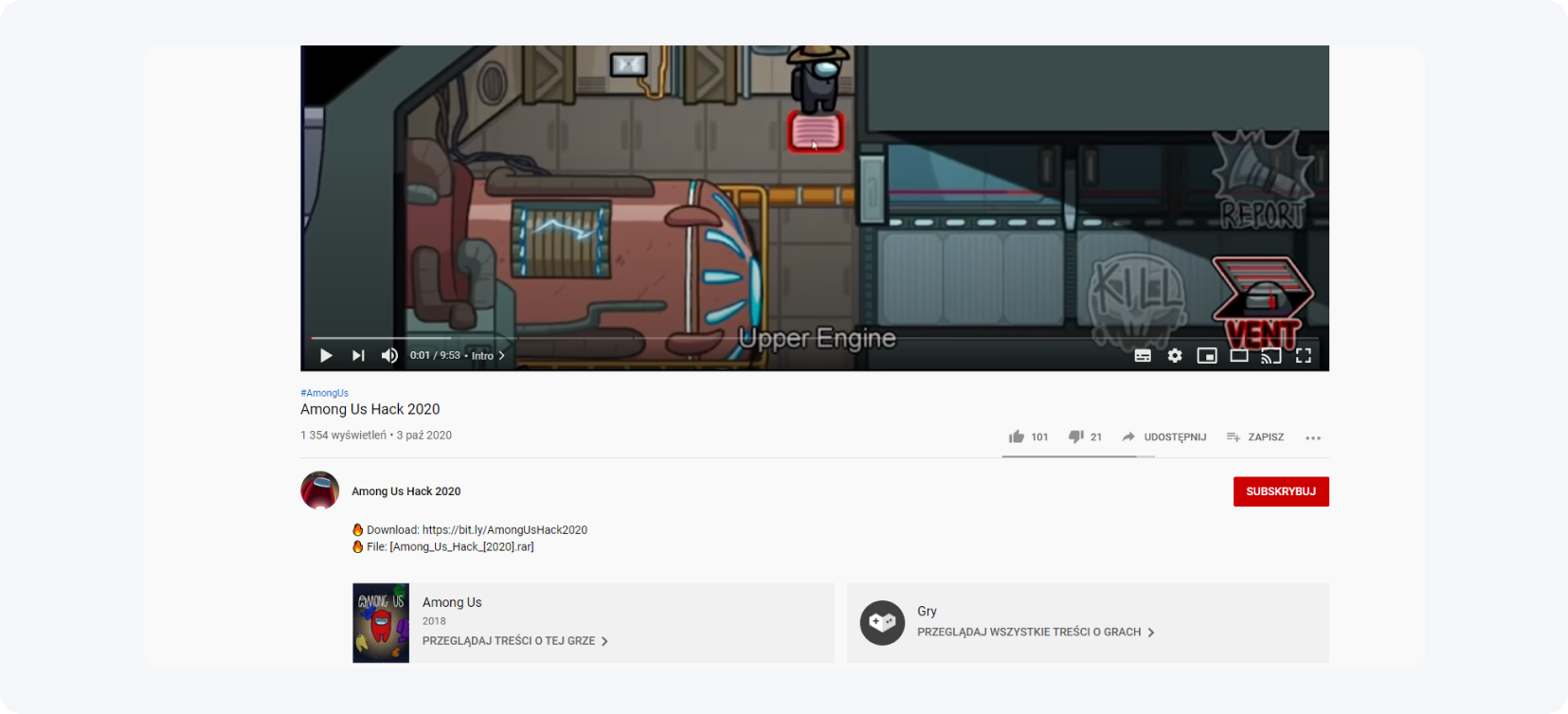
Michael recorded several clips explaining how the hack works and edited them with the free HitFilm Express software, chosen to match his editing skills. A paid alternative is Adobe Premiere, which offers a 7-day trial. The goal of the video was to prove the file is real, removing any doubt so the viewer downloads it himself.
How did the File Locker fit into the funnel?
Michael added a File Locker link to the video description, placing it in the first line so viewers did not have to expand the description. The File Locker gates the download behind MyLead actions, while keywords in the description helped players find the video faster.
He used a direct redirect to the File Locker, but a dedicated landing page lifts conversions further by pre-selling the unlock. See how to create a landing page step by step and compare it with MyLead's improved Content Lockers.
What did the whole process look like for the user?
The user finds Michael's video while searching for a game hack, watches the tutorial, and clicks the description link. After selecting "download", a content locker appears with a short list of actions to complete. Once the user finishes one action, the file unlocks and Michael earns a commission for that conversion.
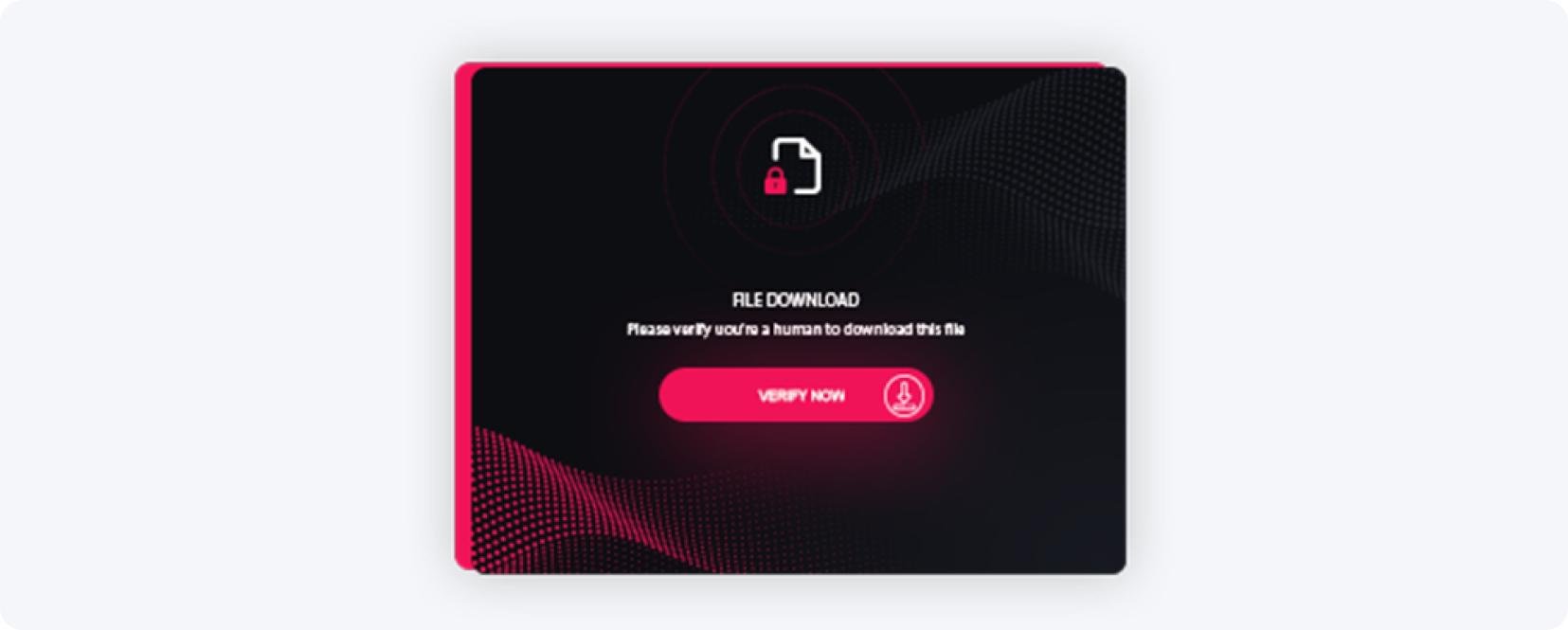
Michael supported the offer with a full YouTube channel of game tutorials, each description linking to a locked file. He optimized every title and description for SEO so the videos surfaced in search — a tactic you can scale with the YouTube ads affiliate playbook. His audience was tightly defined — mostly young male players from the USA, Canada, and New Zealand, which lifted the payout per conversion.
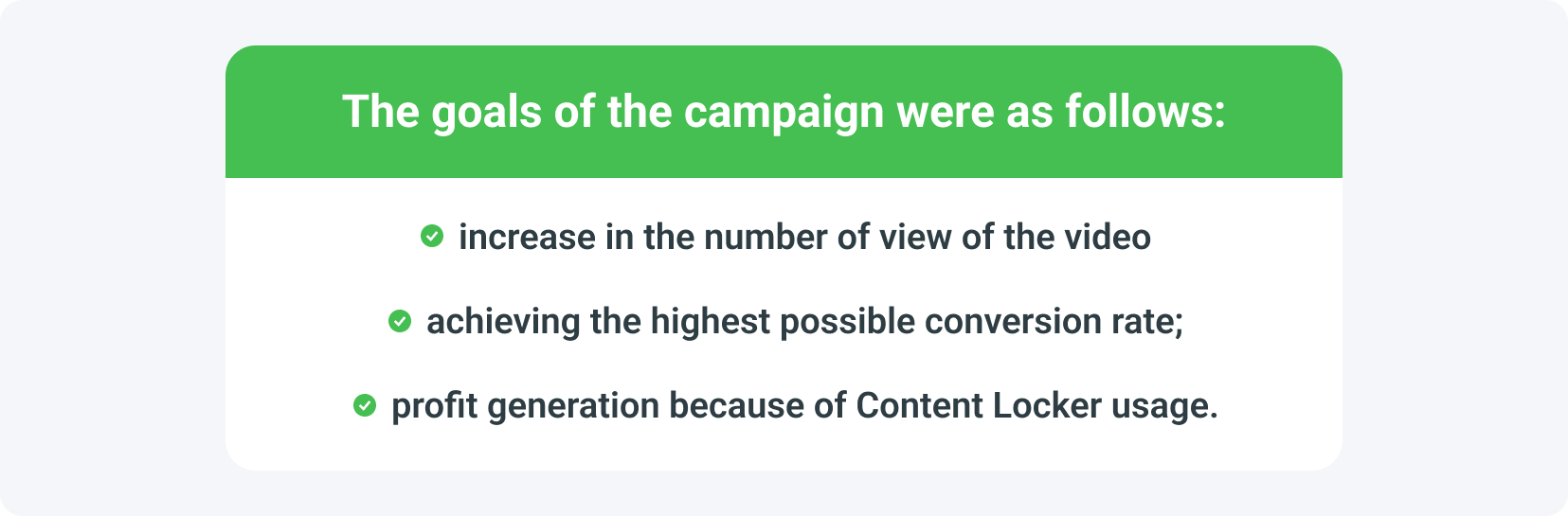
What are the statistics of the campaign?
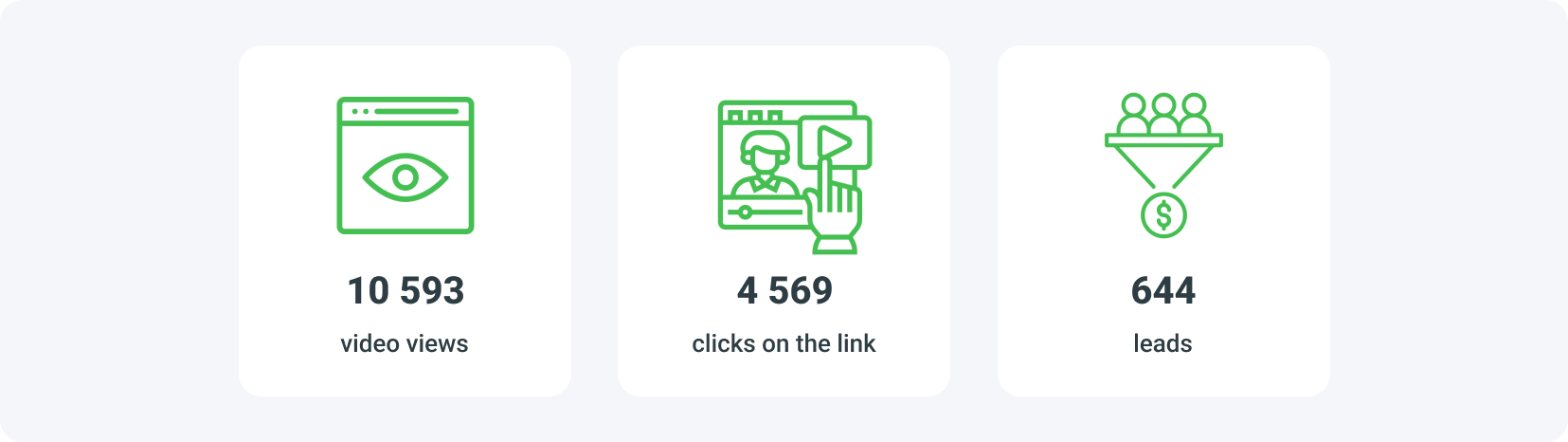
Within 21 days, Michael's video reached nearly 10,500 viewers, and more than 40% requested the hack. The conversion rate was about 14.1%, and Michael earned an average of $0.80 per conversion — his EPC (earnings per conversion). The campaign's total payout reached $515.2, driven by tightly targeted traffic.
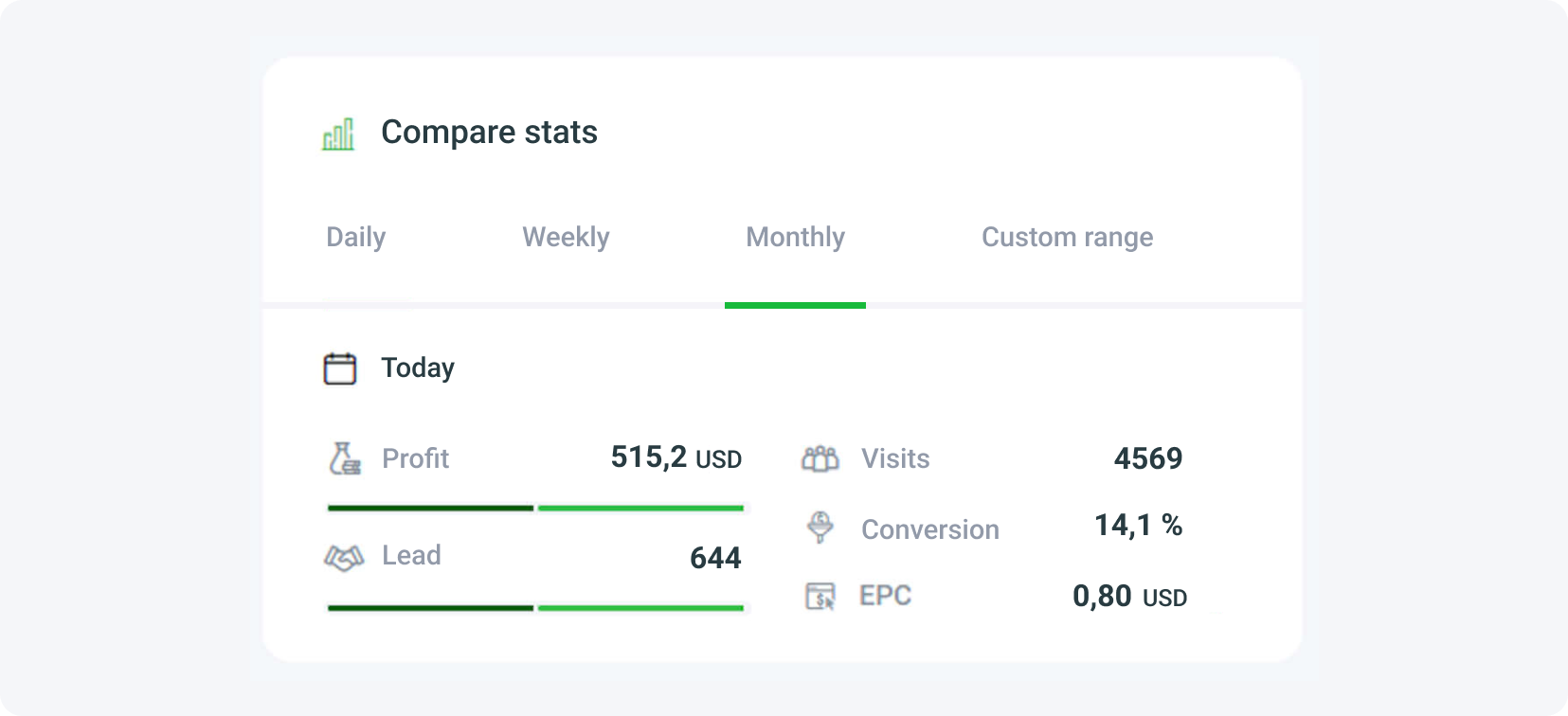
Trust was the hidden multiplier. Michael named the file "Among_Us_hack_[2020].rar" and listed its size at 10.65 MB, which made the download look credible — the more realistic the file, the more conversions it generates. Track these numbers yourself with the right affiliate analytics tools and key metrics.

What mistakes should you avoid with content lockers?
The biggest mistake with a content locker is misleading users — promising content that does not exist or does not work destroys trust and tanks conversions. Always show proof that the file works, write realistic descriptions, give clear instructions, and target an audience that genuinely wants the content.
Start with a single proven niche, test it for at least a few days, then scale to new games or verticals. Launch your first Content Locker with a free MyLead publisher account and turn search demand into commissions. Learn more from another Content Locker hacks case study.
Key takeaways
A content locker is an "empty offer" — you earn a commission when users complete actions to unlock content, with no product to sell.
Michael earned $515.2 in 21 days by matching a locked game hack to high-intent game hacks searches on YouTube.
A 14.1% conversion rate and $0.80 per conversion came from tightly targeted traffic in the USA, Canada, and New Zealand.
Proof matters: a working demo video plus a realistic file name like "Among_Us_hack_[2020].rar" (10.65 MB) builds the trust that drives conversions.
Placing the File Locker link in the first line of the description removed friction and lifted downloads.
Avoid misleading users — honest, high-quality offers keep conversions and your MyLead account healthy long term.
FAQ
1. What is a content locker?
A content locker blocks access to specific content — a file, article, or video — until the user completes at least one required action, such as a survey or app install. The publisher earns a commission for every completed action.
2. Is it legal to use a content locker?
Yes, as long as you use it ethically. You must not mislead users or promise content that does not exist or does not work.
3. How much can you earn with a content locker?
Earnings depend on traffic quality, country, and offer. In this case study, Michael earned about $0.80 per conversion and over $515 in 21 days.
4. Do you need your own website to use a content locker?
No. You can use a File Locker with YouTube descriptions, social media, or direct links, though a landing page improves conversions.
5. Which traffic sources work best for content lockers?
Search-driven YouTube videos, TikTok, blogs, forums, and social media perform well, especially when the content matches high-intent keywords.
6. Do you need technical skills to start?
No. Basic skills — recording a short video, writing an SEO description, and using the MyLead panel — are enough to launch your first campaign.
Summary
This content locker case study shows that matching a locked file to high-intent search demand — game hacks on YouTube — turned 10,500 views into $515.2 in 21 days. The formula is repeatable: pick a real keyword, prove the file works, target the right countries, and gate the download with a MyLead File Locker.
Have any questions? Feel free to reach us through our channels.