Blog / Affiliate marketing
What Is a WebView App and How Do You Create One in Affiliate Marketing?
A WebView app is a mobile application that displays a website inside a native shell using the system's WebView component. In affiliate marketing, publishers use WebView apps to wrap an offer or landing page into an installable app, then drive mobile traffic to that offer through app stores or direct downloads.
This guide explains how WebView apps work, what you can promote with them, and how to build one step by step. You will also learn how to improve traffic quality and pass app store review.
What you'll learn from this article:
what a WebView app is and how it works under the hood,
which offers and verticals convert best inside a WebView app,
how to build a WebView app on Android step by step,
how to raise traffic quality so installs turn into conversions.
What is a WebView app and how does it work?
A WebView app is a native mobile application that loads a chosen website inside the system WebView component instead of building screens natively. The app behaves like a thin browser locked to one address: it opens, renders the target page, and lets users interact with it. Affiliates wrap an offer or landing page this way to distribute it as an installable app.
You meet WebView every day: tapping an ad banner in a social app that opens a store, or reading a full article pulled into a news aggregator. The same component powers affiliate WebView apps, so the offer page feels like part of a real product.
What can you promote with a WebView app?
WebView apps suit offers that already live on a mobile-friendly web page: online casinos, betting, dating, sweepstakes, finance, and nutra landing pages. Because the app only embeds a URL, any vertical with a converting mobile site fits. The model works best for campaigns where mobile users complete a registration, deposit, or install directly on the page.
Pick a campaign with a clean mobile landing page from the MyLead catalog. Browse the full list of app affiliate programs to find verticals that convert on mobile devices.
Why should you use WebView apps in affiliate marketing?
WebView apps solve two problems at once. They cut development cost, because the build is a ready-made browser pointed at an existing website rather than coded native screens. They also lower the chance of rejection on mobile marketplaces, since the installed package holds little sensitive content. The result is cheaper distribution and a mobile install channel for affiliate offers.
Mobile installs open a steady traffic source: once the app sits on a user's phone, every launch reloads your offer. See proven ways to make money with mobile apps and a case study on earning with a mobile app for real setups.
How do you create a WebView app step by step?
Building a WebView app on Android takes five stages: install Android Studio and the SDK, create a project with a single WebView activity, point it at the offer URL, test it on an emulator, and export a signed APK file. No native UI coding is required beyond loading the target address and handling navigation.
To prepare the page the app will load, you can download and adapt an existing site first — this guide on downloading and customising a website covers the workflow. Keep the embedded content and your store listing compliant so the app passes review.
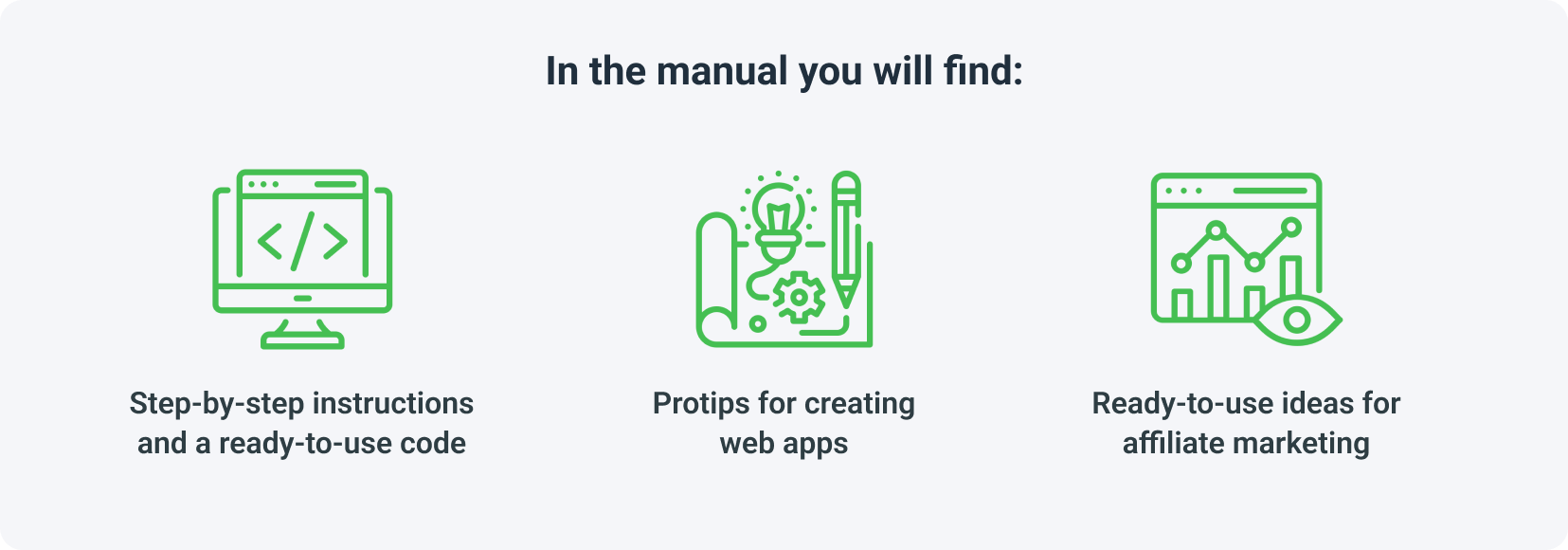
Our free e-book walks through the entire build with copy-paste code, pro tips for creating web apps, and ready-to-use affiliate ideas. Get it from the Your bonuses tab in your MyLead panel.

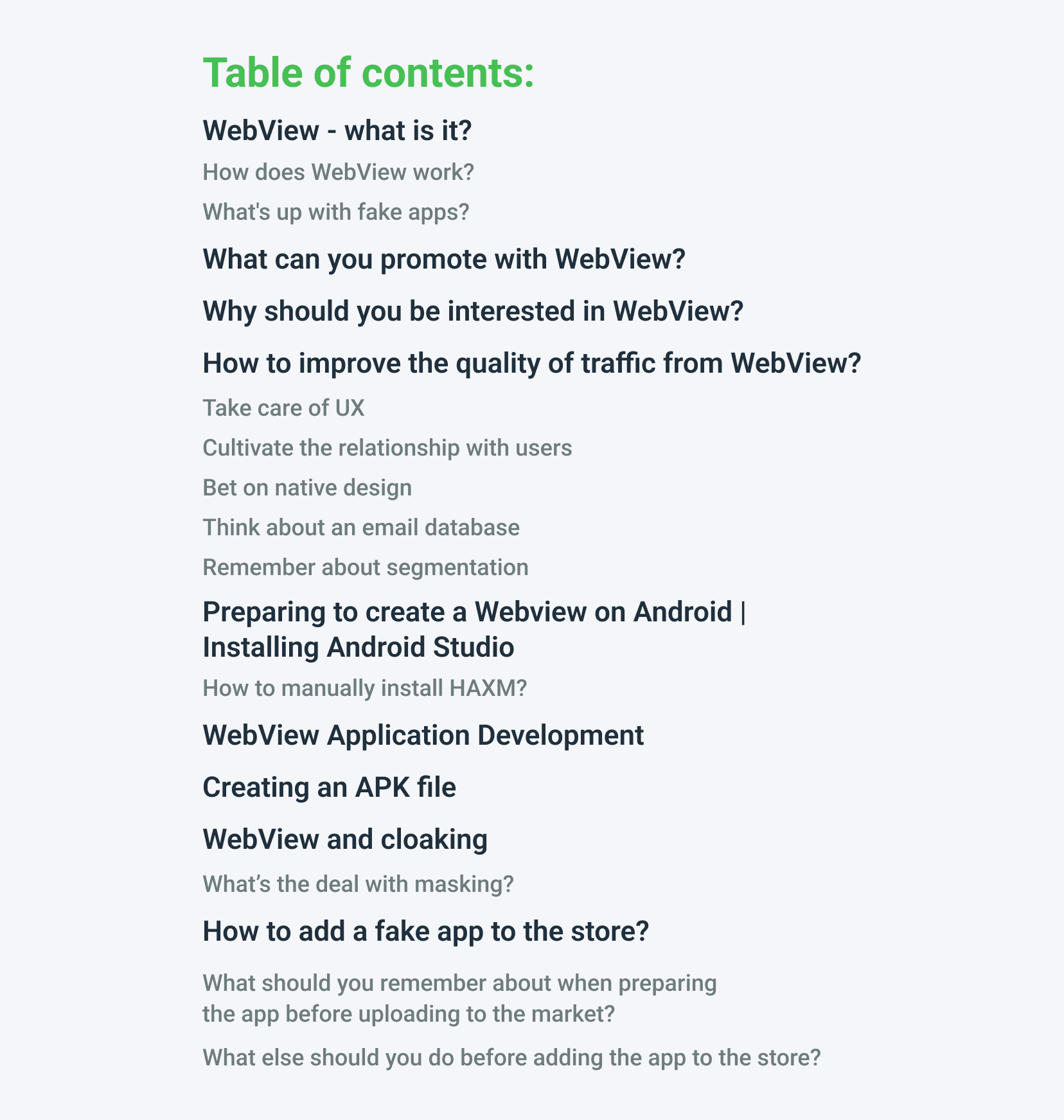
How do you improve traffic quality from a WebView app?
Traffic quality from a WebView app depends on user experience, not just installs. Five levers matter most: a fast, clean UX, a native-looking design, an ongoing relationship with users, an email database for re-engagement, and audience segmentation. Together they raise retention and conversion, turning one-time installs into repeat visits to the offer.
Take care of UX — fast load, no broken layouts, smooth navigation inside the WebView.
Bet on native design — make the app look like a real product, not a wrapped page.
Cultivate the relationship with users — deliver value so they keep the app installed.
Build an email database — capture contacts to re-engage users outside the app.
Remember about segmentation — split audiences and serve each the most relevant offer.
A WebView app is only as strong as the page it loads, so apply the same rules as a high-converting landing page — see 5 rules for an effective landing page. Then feed it quality visitors with the best paid traffic for CPA offers.
Key takeaways
A WebView app wraps a website in a native shell, giving affiliates a low-cost mobile install channel.
It cuts development cost and lowers the risk of marketplace rejection versus a fully native app.
Best-fit verticals have a converting mobile page: casino, betting, dating, finance, nutra.
You build it in Android Studio, point a single WebView at the offer URL, and export a signed APK.
Traffic quality comes from UX, native design, retention, an email list, and segmentation — not raw installs.
FAQ
1. Is a WebView app the same as a native app?
No. A native app builds its screens with platform code, while a WebView app loads a website inside a single browser component. The WebView route is faster and cheaper, but offers fewer native features.
2. Do you need to code to build a WebView app?
Not necessarily. Basic projects use ready-made templates or no-code wrappers, and our MyLead e-book includes copy-paste code for the full Android build.
3. Can WebView apps be published on Google Play?
Yes, but the listing must follow store policy. Publishers upload a clean, unique app and keep the embedded content compliant so it passes review.
4. What can you promote with a WebView app?
Any offer with a mobile-friendly landing page — casinos, betting, dating, finance, sweepstakes, or app installs. The app simply loads the offer URL for the user.
Summary
A WebView app turns a website into an installable mobile app, giving affiliates a cheap, store-ready channel for offers with strong mobile landing pages. Choose the right vertical, build the app in Android Studio with the e-book's ready-made code, and focus on UX and retention to keep traffic quality high. Create a free MyLead publisher account to access the campaigns and the e-book you need to start.
Have any questions? Feel free to reach us through our channels.