Blog / Guides
Complete MyLead Guide - How to register on MyLead - account creation process
This article is updated regularly
Last update:
08 December 2025
If you are reading this guide, I assume you don’t have an account with MyLead Affiliate Network yet. Don’t worry, opening an account with them is quick and easy.
Open this sign-up form:
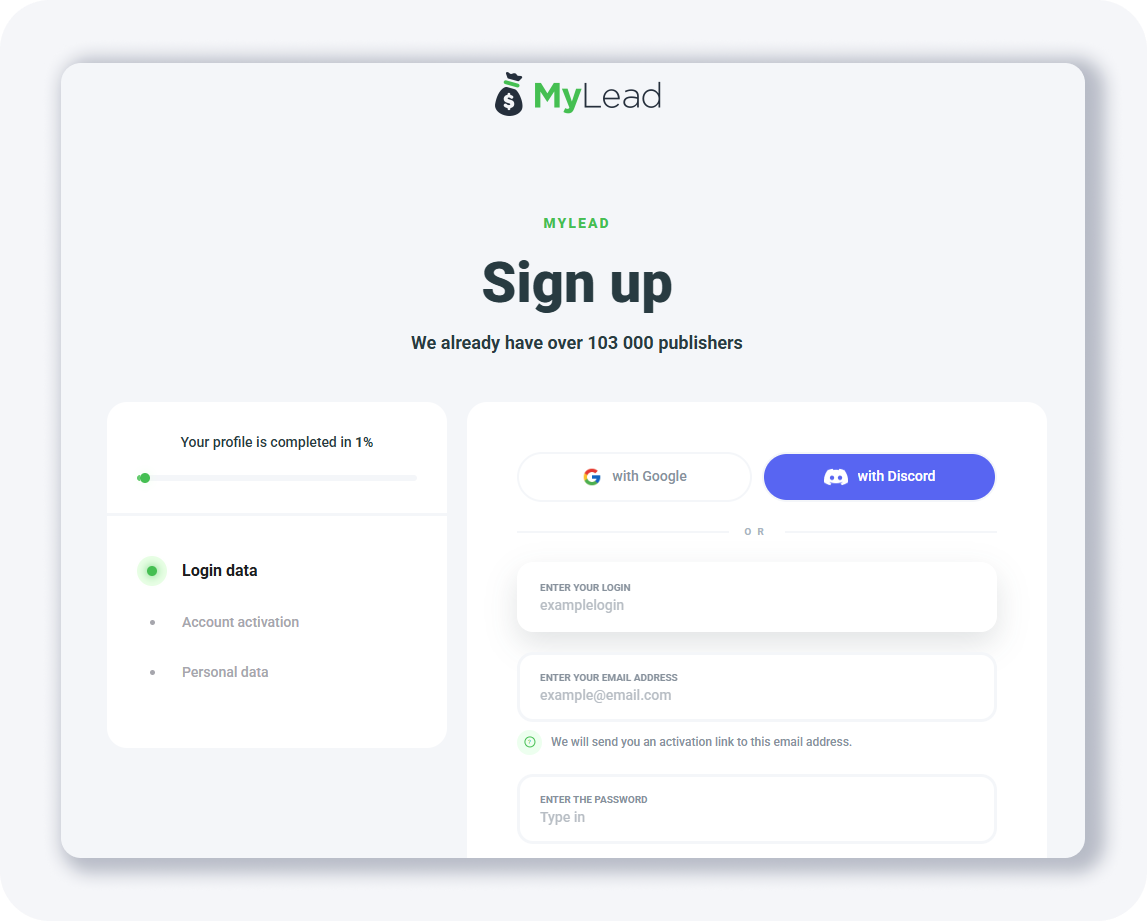
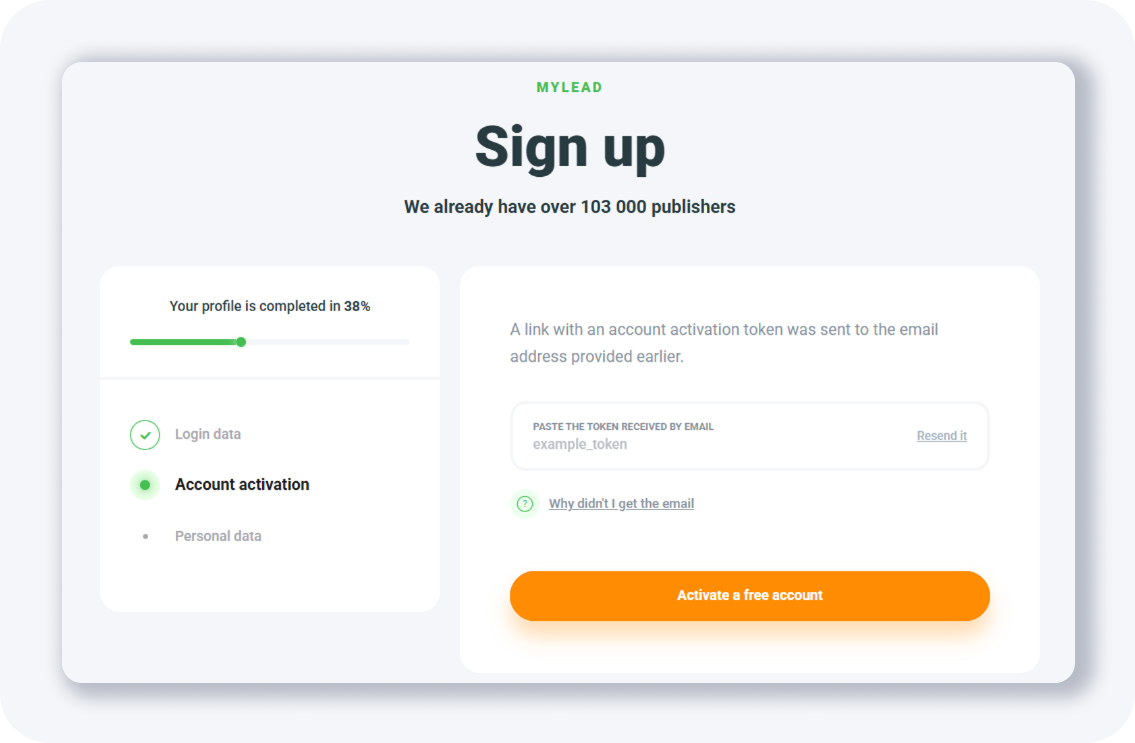
And fill out all the necessary fields. The next step is account activation:
Check your inbox, and you should see an email similar to this one:
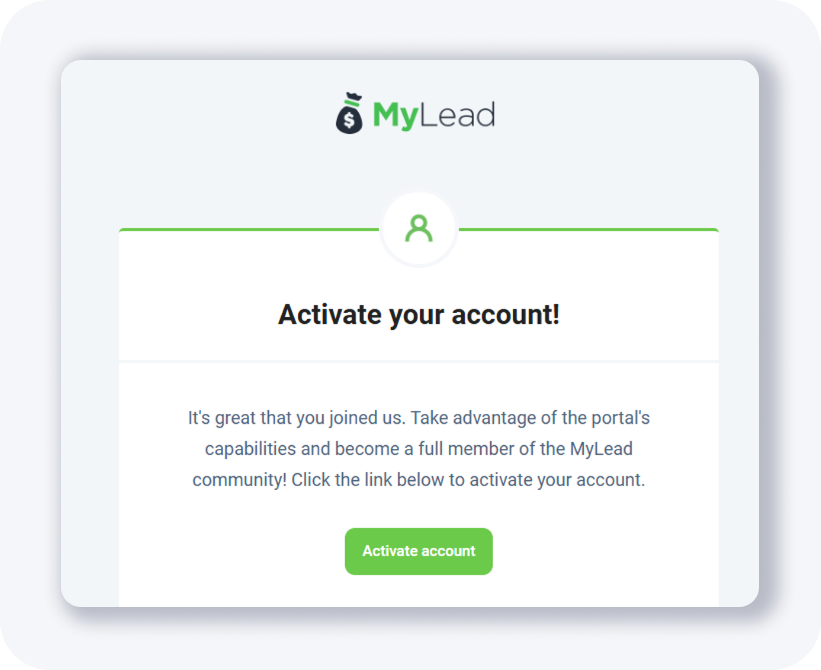
Click the button, and you’ll be redirected to the final step:
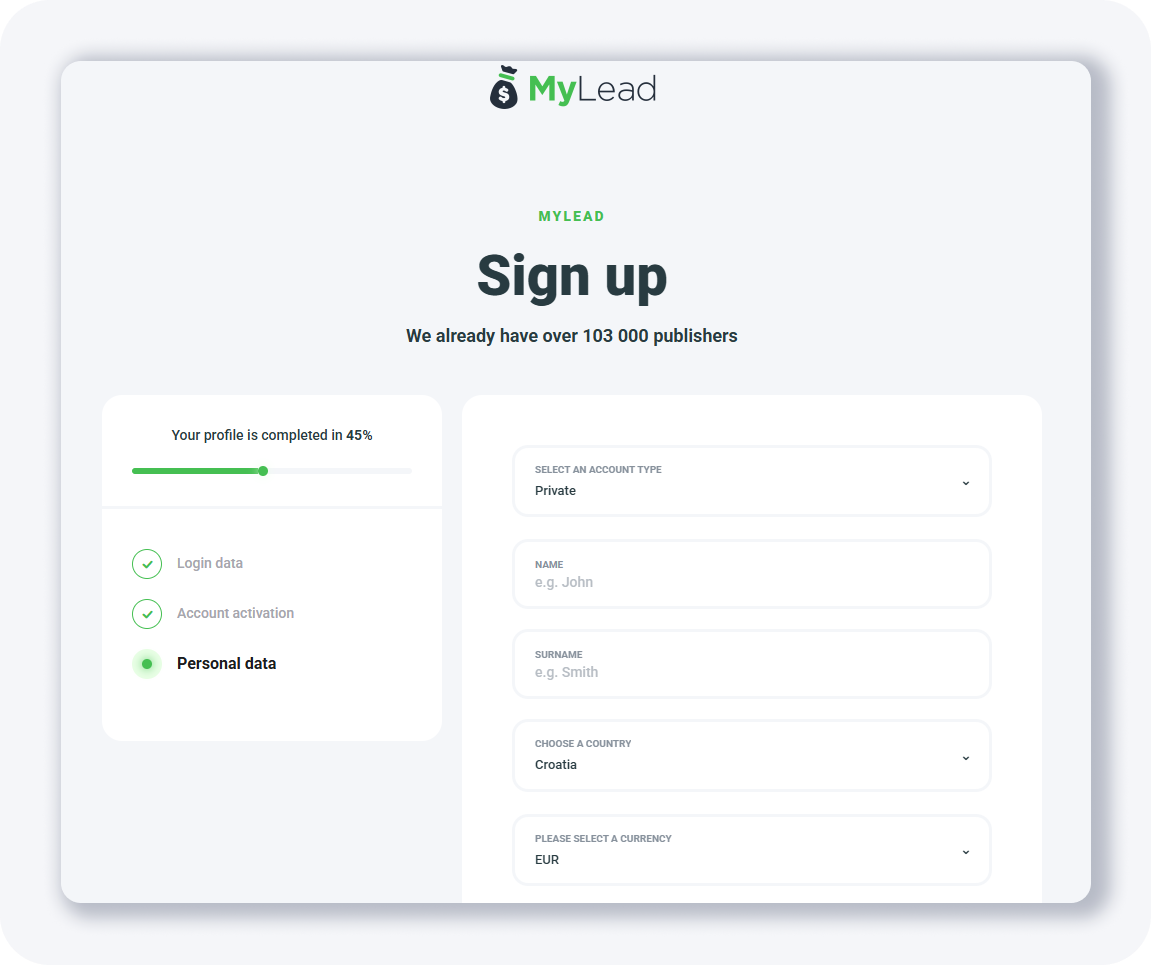
Just a few more fields, and you’ll be good to go. Once you finish this last step, you’ll be redirected to the dashboard screen:
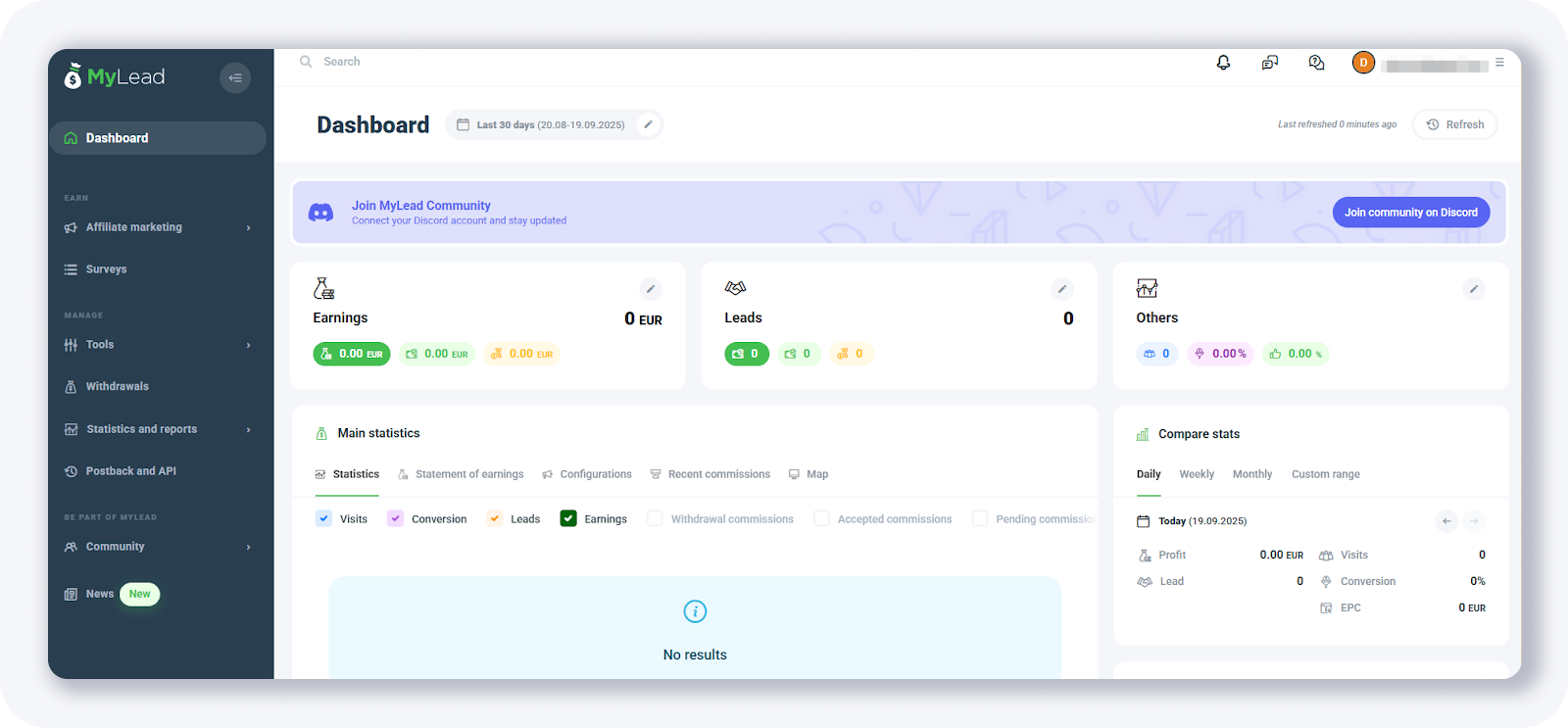
And that’s it!
???? TIP: Make sure you enter the correct messenger details in the sign-up form so your account manager can reach out to you.
Want to learn more about MyLead platform? Below you’ll find a complete guide to MyLead affiliate network 2026, with chapters which allow you to read only topics that you are interested in. Our complete guide is constantly updated, new chapters coming soon.
Complete MyLead Guide - Chapter list
1. How to register on MyLead - now reading
2. Main Dashboard - click to read
3. My Profile - click to read
4. Offers (Affiliate Campaigns) - click to read
5. Surveys - click to read
6. OfferWall Rewards - click to read
7. Content Lockers - click to read
CPA Locker - click to read
Captcha Locker - click to read
File Locker - click to read
Mobile Rewards - click to read
Icent Campaigns - click to read
Offer API - click to read
8. Smartlniks - click to read
9. Free Affiliate Tools - click to read
Coupons and promotions - click to read
HideLink - click to read
Passage of Offers - click to read
Damaged Links - click to read
10. Withdrawals - click to read
11. Statistics and Reports - click to read
12. Postbacks - click to read
13. Adding MyLead as an Affiliate Network to your Tracker
14. How to Add MyLead Offers to the Tracker
15. How to Add MyLead Lockers (as an Offer) to Tracker
16. How to Add MyLead Smartlinks (as an Offer) to Tracker
17. Community and News
Have any questions? Feel free to reach us through our channels.