
Blog / MyLead Guide
What Is the MyLead Community Section and How Does It Work?
This article is updated regularly
Last update:
08 December 2025
The MyLead Community section is a dashboard submenu that groups four pages — Forum, Gallery, Your bonuses and Recommend — where publishers exchange knowledge, activate earning bonuses and run the referral program. It centralises platform news, offer announcements and the tools you need to invite new users to MyLead.
This guide walks you through each MyLead Community page, from the forum categories to the 5% referral commission. You'll see exactly what every section does and how it adds to your earnings.
What you'll learn from this article:
what the four pages of the MyLead Community submenu do,
how the MyLead forum and its categories are organised,
which bonuses you can activate to boost your earnings,
how the 5% MyLead referral program works.
What is the MyLead Community section?
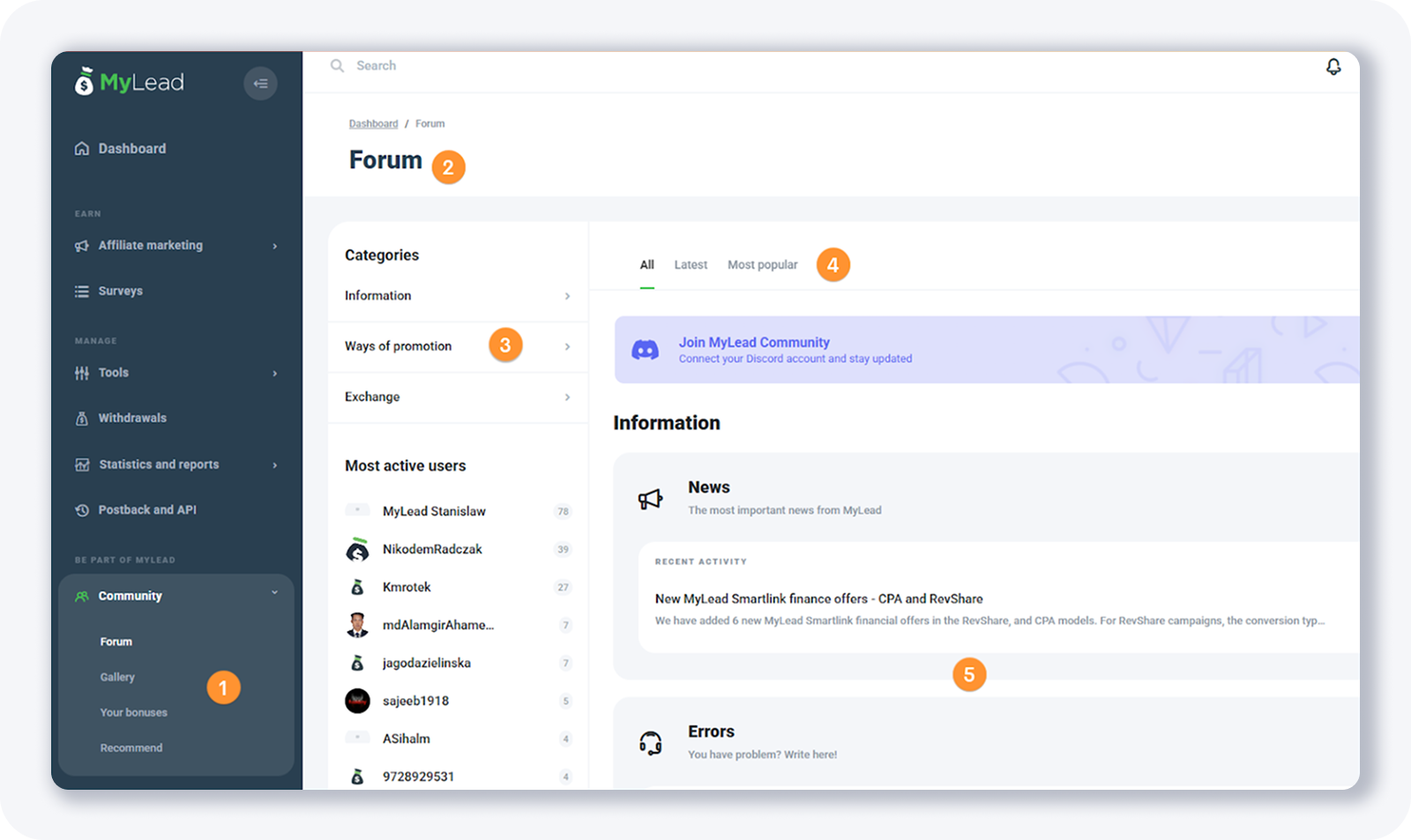
The MyLead Community section sits in the left-hand dashboard menu and contains four pages: Forum, Gallery, Your bonuses and Recommend. It is the part of MyLead built for interaction — reading platform news, activating bonuses and inviting new publishers — rather than running campaigns. Every page is free to access from your publisher account.
Forum — a discussion board with platform categories and offer news.
Gallery — a community showcase section.
Your bonuses — activatable bonuses that increase your earnings.
Recommend — the MyLead referral system.
If the panel is new to you, the Main Dashboard guide shows how the side menu is organised before you open the Community pages.
How do the MyLead forum and gallery work?
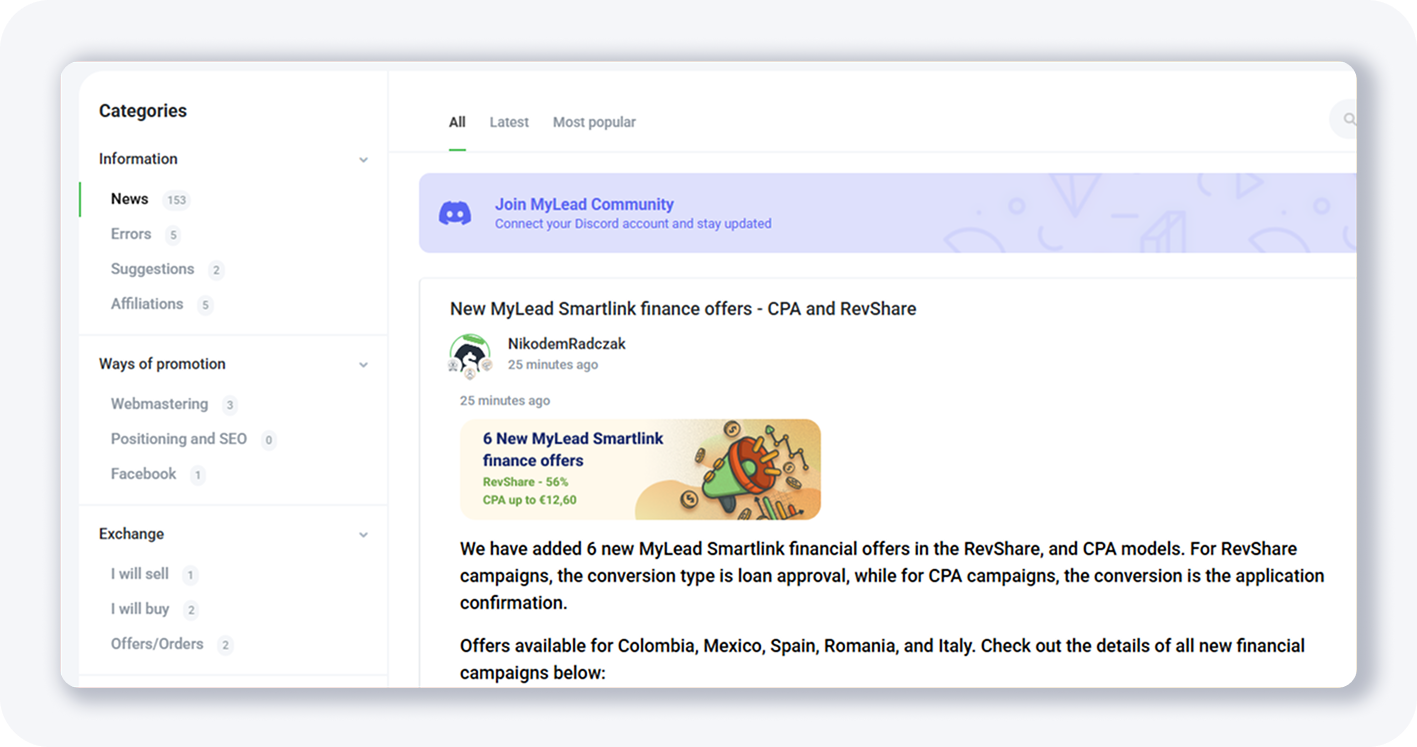
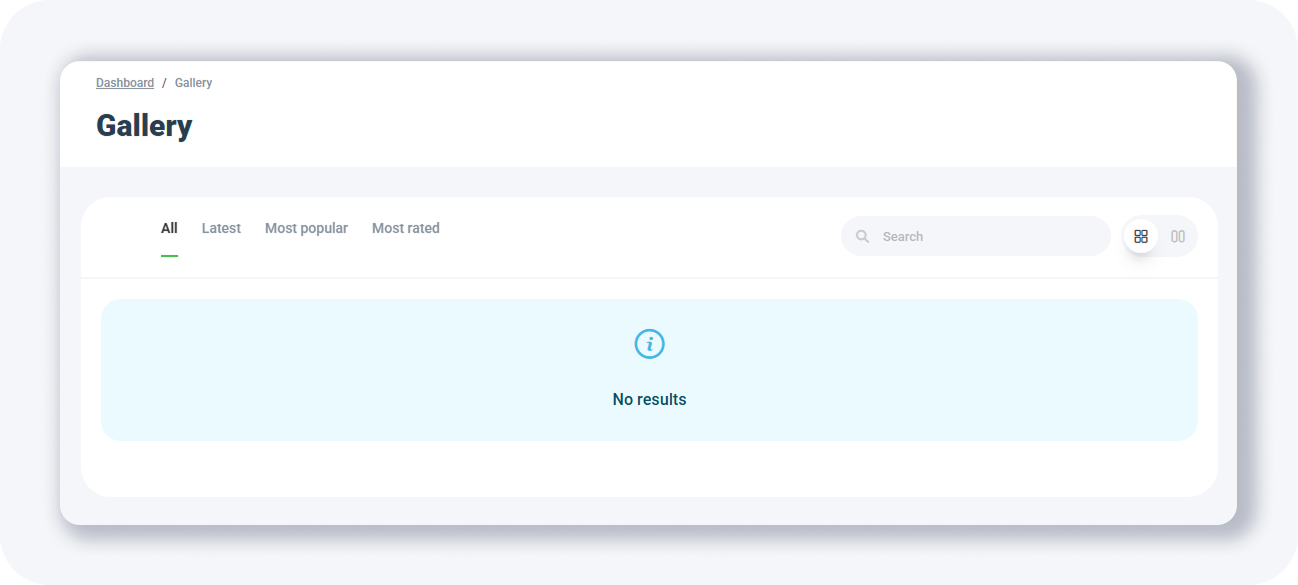
The MyLead forum is a built-in discussion board organised into three category groups: Information (news, errors, suggestions, affiliations), Ways of promotion (webmastering, positioning and SEO, Facebook) and Exchange (buy, sell, offers). MyLead staff post most threads here, announcing new offers such as Smartlink finance campaigns. The Gallery is a separate showcase page, currently without published entries.
Because the forum doubles as MyLead's news feed, it is the quickest way to spot fresh campaigns — recent threads cover MyLead Smartlinks and the best affiliate programs on MyLead.
What bonuses can you activate in MyLead?
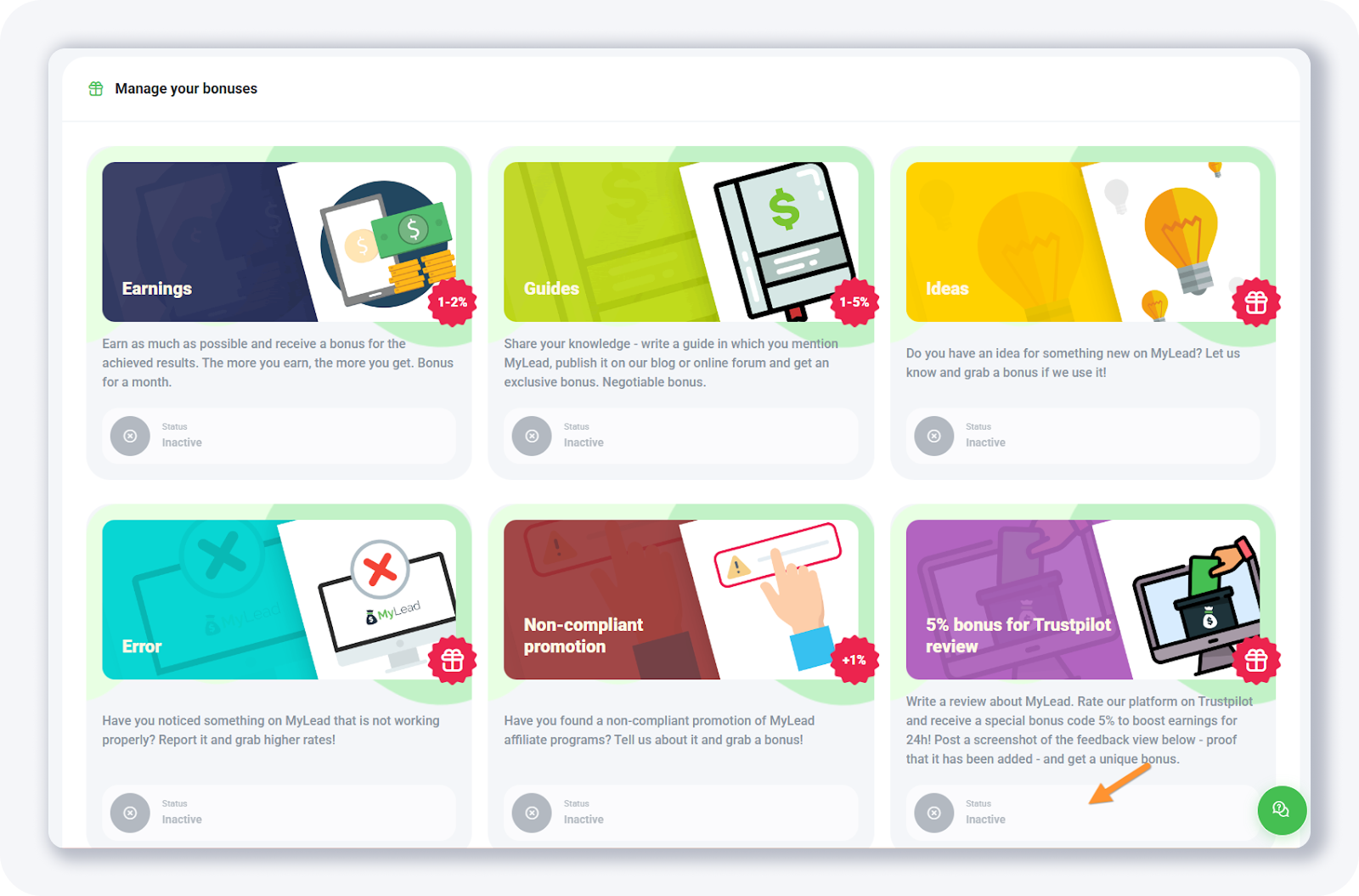
The Your bonuses page lets you activate rewards that raise your commission for completing specific actions. Available bonuses include Earnings (1-2%), Guides (1-5% for publishing a MyLead guide), reporting non-compliant promotions (+1%) and a 5% bonus for posting a Trustpilot review, which boosts your earnings for 24 hours. Each bonus is toggled on individually.
Stacking these bonuses is the simplest way to lift your rate before payout — once your balance grows, see how to withdraw your earnings. Activate every bonus that applies to you to earn more from each conversion.
How does the MyLead referral program work?
The Recommend page hosts the MyLead referral program. You share a personal referral link, and when someone registers through it you earn 5% of all the earnings that person generates — paid on top of your own commissions. MyLead provides ready-made signatures, banners and direct links to promote your invitation across different channels.
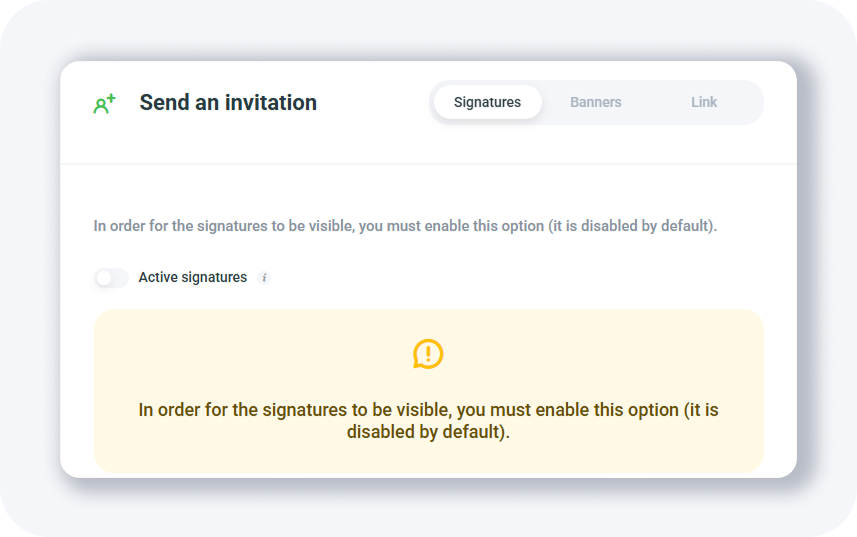
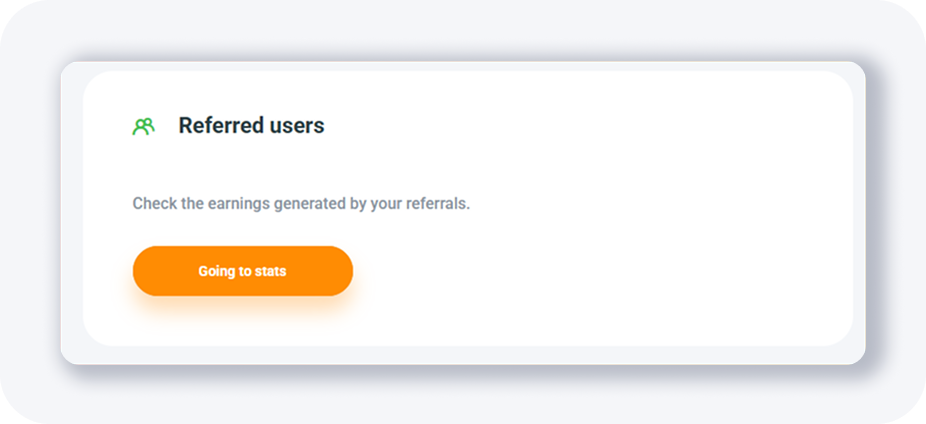
At the bottom of the page you track every user you referred and the revenue they bring, with a shortcut to full stats. For more depth, read the dedicated MyLead referral program overview and learn how to attract top influencers to your referral program.
Key takeaways
The MyLead Community submenu groups four pages: Forum, Gallery, Your bonuses and Recommend.
The forum acts as MyLead's news feed, where staff announce new offers across three category groups.
Activatable bonuses, including a 5% Trustpilot reward for 24 hours, raise your commission.
The referral program pays you 5% of the earnings generated by every publisher you invite.
Every Community page is free and accessible directly from your MyLead publisher account.
Complete MyLead Guide - Chapter list
1. How to register on MyLead - click to read
2. Main Dashboard - click to read
3. My Profile - click to read
4. Offers (Affiliate Campaigns) - click to read
5. Surveys - click to read
6. OfferWall Rewards - click to read
7. Content Lockers - click to read
CPA Locker - click to read
Captcha Locker - click to read
File Locker - click to read
Mobile Rewards - click to read
Icent Campaigns - click to read
Offer API - click to read
8. Smartlniks - click to read
9. Free Affiliate Tools - click to read
Coupons and promotions - click to read
HideLink - click to read
Passage of Offers - click to read
Damaged Links - click to read
10. Withdrawals - click to read
11. Statistics and Reports - click to read
12. Postbacks - click to read
13. Adding MyLead as an Affiliate Network to your Tracker - click to read
14. How to Add MyLead Offers to the Tracker - click to read
15. How to Add MyLead Lockers (as an Offer) to Tracker - click to read
16. How to Add MyLead Smartlinks (as an Offer) to Tracker - click to read
17. Community and News - now reading
FAQ
1. How much do you earn from MyLead referrals?
You earn 5% of all earnings generated by every person who registers through your referral link, added on top of your own commissions.
2. How do you get the 5% Trustpilot bonus on MyLead?
Post a review of MyLead on Trustpilot, then activate the bonus on the Your bonuses page to receive 5% extra on your earnings for 24 hours.
3. What is the MyLead Gallery page for?
The Gallery is a showcase section inside the Community panel. It currently displays no published entries.
4. Is the MyLead Community section free to use?
Yes. Every Community page — Forum, Gallery, Your bonuses and Recommend — is free and available from your publisher account.
Summary
The MyLead Community section turns your dashboard into more than a campaign tool: the forum keeps you on top of new offers, the bonuses page lifts your commission, and the Recommend program pays 5% of every referred publisher's earnings. Activate the bonuses and share your referral link to earn more in 2026.
Have any questions? Feel free to reach us through our channels.